Wireless Presentation & Conferencing
Barco ClickShare
Barco ClickShare from a certified partner – installed in Solothurn and across Switzerland.
IMAGEMEDIA is a certified Barco ClickShare partner and installs ClickShare in the meeting rooms of SMEs, public administrations and schools – in Solothurn, Bern and throughout Switzerland. Present and conference wirelessly, without cables and without adapters.
What we do
What we do with Barco ClickShare for you.
Barco ClickShare, zertifizierter Partner
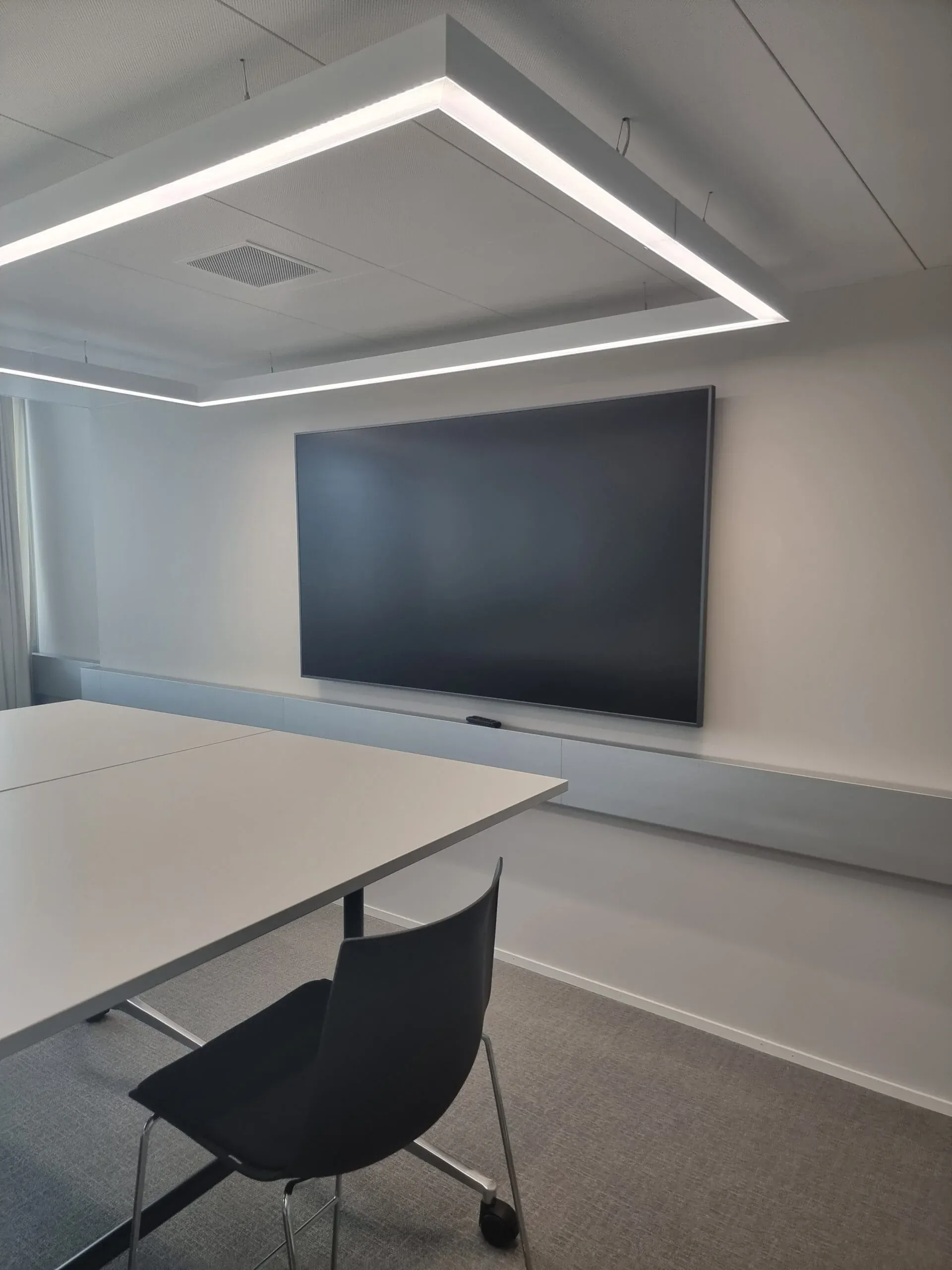
Barco ClickShare solves the most common problem in the meeting room: someone wants to present, and the cable does not fit. With ClickShare everyone plugs the Button into their own laptop or uses the app – and the picture is on the display. The Conference models also connect the room's camera, microphone and speakers to Teams, Zoom or Webex on your own device. We are ClickShare certified and have installed the products in many rooms, from the small meeting room to the auditorium. Advice, installation, setup and support come from Solothurn.
ClickShare installation by a certified partner
Our team has completed the Barco training as Product Specialist, Sales Professional and Technical Specialist. For you that means: we know which model suits your room, how ClickShare joins your network securely and how you manage several rooms centrally.
We look at your meeting room, recommend a model and accessories, install the Base Unit, display, camera and audio and set everything up. A standard room is done in a day. Then we train your team – usually a quick job, because ClickShare is that simple.
BYOD meeting rooms for SMEs, public administrations and schools
ClickShare is the most flexible solution when different devices turn up in the room: Windows, Mac, iPad, guests with their company laptop. Everyone connects the same way, nobody needs an account or an installation. For hybrid meetings the Conference models link the room camera and room microphone to the video call running on your own device.
We have installed ClickShare for public administrations, SMEs and schools in the Mittelland region and combine it with Logitech or Poly cameras, Shure microphones and interactive displays – matched to room size and use.
Operation, updates and expansion
After installation you manage all ClickShare devices via the XMS Cloud: firmware, usage, faults. We set up access, keep the devices up to date and expand when a room is added.
If something is not working, a call to us helps – we know your installation and can check remotely. For companies with many rooms we offer service agreements with fixed response times. And because ClickShare is independent of the display, you can swap screens later without replacing the presentation technology.
Articles
Also worth a look.
Frequently asked
Questions about Barco ClickShare.
Which ClickShare model do you recommend for our meeting room?
That depends on whether you only want to present or also hold video calls through the room, how many people take part and whether guests are involved. We look at the room and recommend a model.
Do you combine ClickShare with Microsoft Teams and Zoom?
Yes. The Conference models make the room's camera, microphone and speakers available to your laptop. Teams, Zoom, Webex or Google Meet run as usual on your device – the room simply becomes part of the call.
Do you also install ClickShare in Bern, Aargau or Zurich?
Yes. We install throughout German-speaking Switzerland and support companies with sites in several cantons from Solothurn. For rooms in French-speaking Switzerland we arrange support case by case, usually together with a local partner.
Let's talk about Barco ClickShare.
Tell us about your project – we get back to you within one working day.