Hybrid Meeting Rooms
Microsoft Teams Rooms
Teams Rooms that start with one tap – planned and installed by IMAGEMEDIA.
IMAGEMEDIA sets up Microsoft Teams Rooms: room system, display, camera, microphones and room booking, connected to your Microsoft 365. For companies and public administrations in Solothurn, Bern, Aargau and across German-speaking Switzerland.
What we do
What we do with Microsoft Teams Rooms for you.
If your company works with Microsoft 365, a Teams Room is the most direct route to meetings that simply start: the appointment is on the room panel, one tap on "Join", and camera, microphone and display are connected. No laptop, no cable, no typing in an account. We plan Teams Rooms from small huddle rooms to the boardroom, choose certified hardware from Logitech, Poly, Yealink or Crestron, install it and connect it to your Microsoft tenant. Your IT stays in charge of accounts and policies; we take care of the room, the technology and operation.
Planning a Teams Room
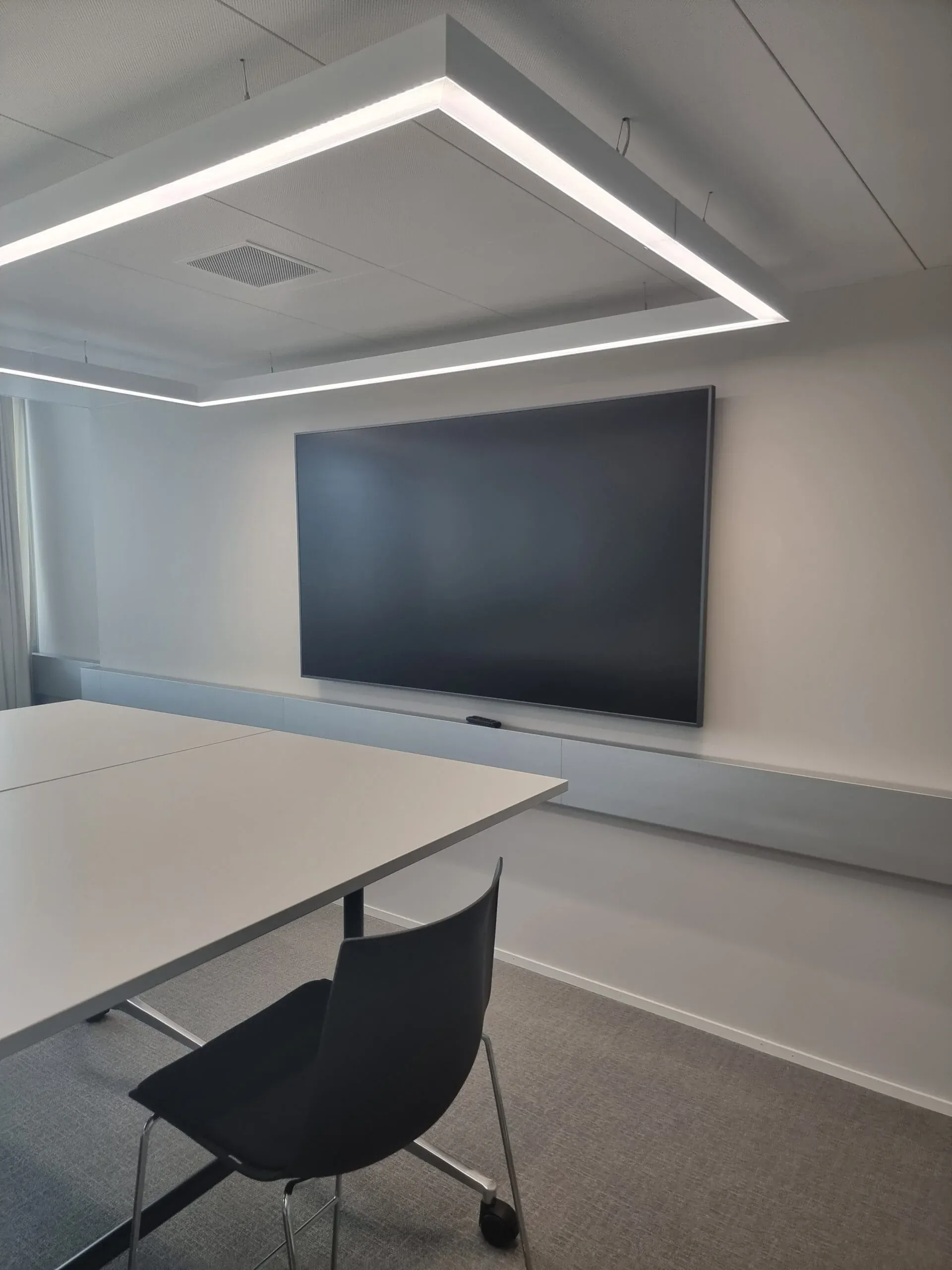
A good Teams Room does not start with the camera but with the room: how many people sit at the table, where the sun comes in, what the acoustics are like, who books the room. From that follow camera position, microphone type, display size and whether a room panel at the door makes sense.
We look at the room, propose a Microsoft-certified room system and agree the integration with your IT: resource account, licence, network, policies. Only then do we order. That way the system fits your organisation and not just the catalogue.
Installation and connection to Microsoft 365
We mount the display, camera, microphones and speakers, route the cables tidily and set up the room system: sign-in with the resource account, calendar integration, Teams settings, firmware. At the end there is a test call with you, not a box with a manual.
A standard room is installed in a day. For rooms with several displays, ceiling microphones or a stage we plan longer and work with your electrician. We have set up Teams Rooms for the cantonal administration, for SMEs and for schools in the Mittelland region and know the typical pitfalls with networks and certificates.
Operation, Copilot and expansion
You manage Teams Rooms in the Teams Admin Center or via Teams Rooms Pro: status, updates and faults for all rooms. We set that up, train your IT and, if you wish, take on support with fixed response times.
With Microsoft Copilot in Teams, meetings can be summarised and tasks recorded – for that the room needs good microphones, because the quality of the summary depends on the audio quality. We plan the audio accordingly. When a room is added, we carry over the proven configuration so that every room works the same way.
Articles
Also worth a look.
Frequently asked
Questions about Microsoft Teams Rooms.
Does a Teams Room you set up need its own licence?
Yes, a Teams Room needs a resource account with a Teams Rooms licence from Microsoft. We tell you which variant suits your tenant and set up the account together with your IT.
Can you set up the room so that guests can present without Teams?
Yes. On request we combine Teams Rooms with Barco ClickShare or an HDMI connection so that guests can show their screen without an account. Zoom or Webex meetings can also be joined through the room.
Do you also set up Teams Rooms for public administrations and schools?
Yes. We have set up rooms for the cantonal administration, for SMEs and for schools. Tenders, data protection requirements and working with an internal IT department are familiar to us – we provide the necessary documentation and coordinate with your IT.
Let's talk about Microsoft Teams Rooms.
Tell us about your project – we get back to you within one working day.