Digital signage at the university
Interactive displays · Sound · Information screens
Teaching with technology that simply works. Planned and installed in Solothurn, Bern and across Switzerland.
IMAGEMEDIA from Solothurn plans and installs digital classrooms: interactive displays instead of blackboard and projector, wireless presenting for teachers and pupils, sound that carries to the back row, and information screens for cancelled lessons and room changes. For schools, municipalities and continuing education providers, with an introduction for the teaching staff and support during operation.
A classroom is not a meeting room. The technology has to work even when the next class arrives in five minutes and nobody has time for cables and settings. That is why we plan around the teaching: who shows what, from which device, and how well can you see it from the back row?
At the centre there is usually an interactive display. It replaces the blackboard and projector: you write with the pen directly on worksheets and images and, depending on the device, can save what is on the board and share it with the class. Teachers and pupils share their screen wirelessly, whether Windows, Mac or tablet. For assembly halls, multipurpose rooms and training rooms, we add microphones, loudspeakers and simple controls.
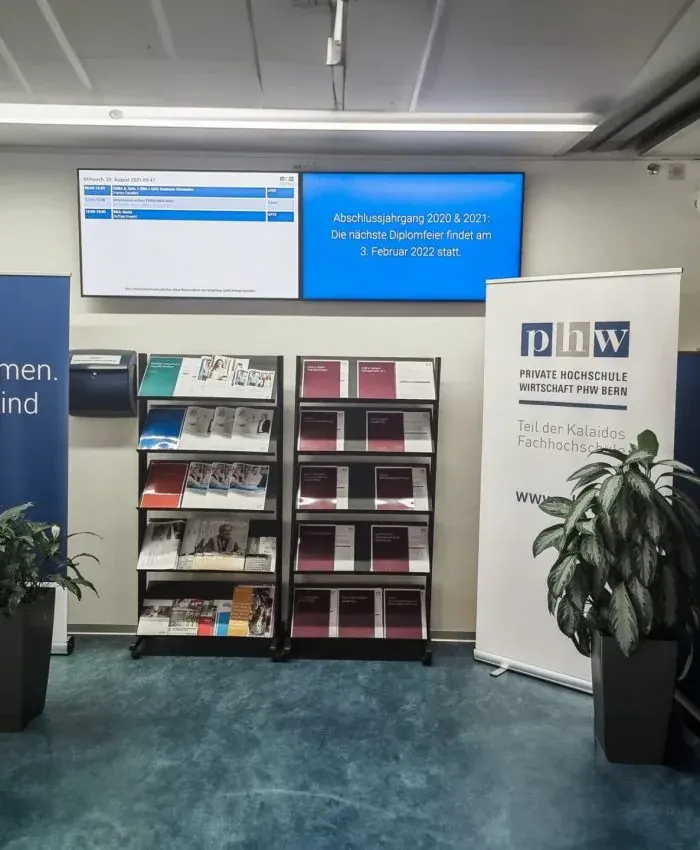
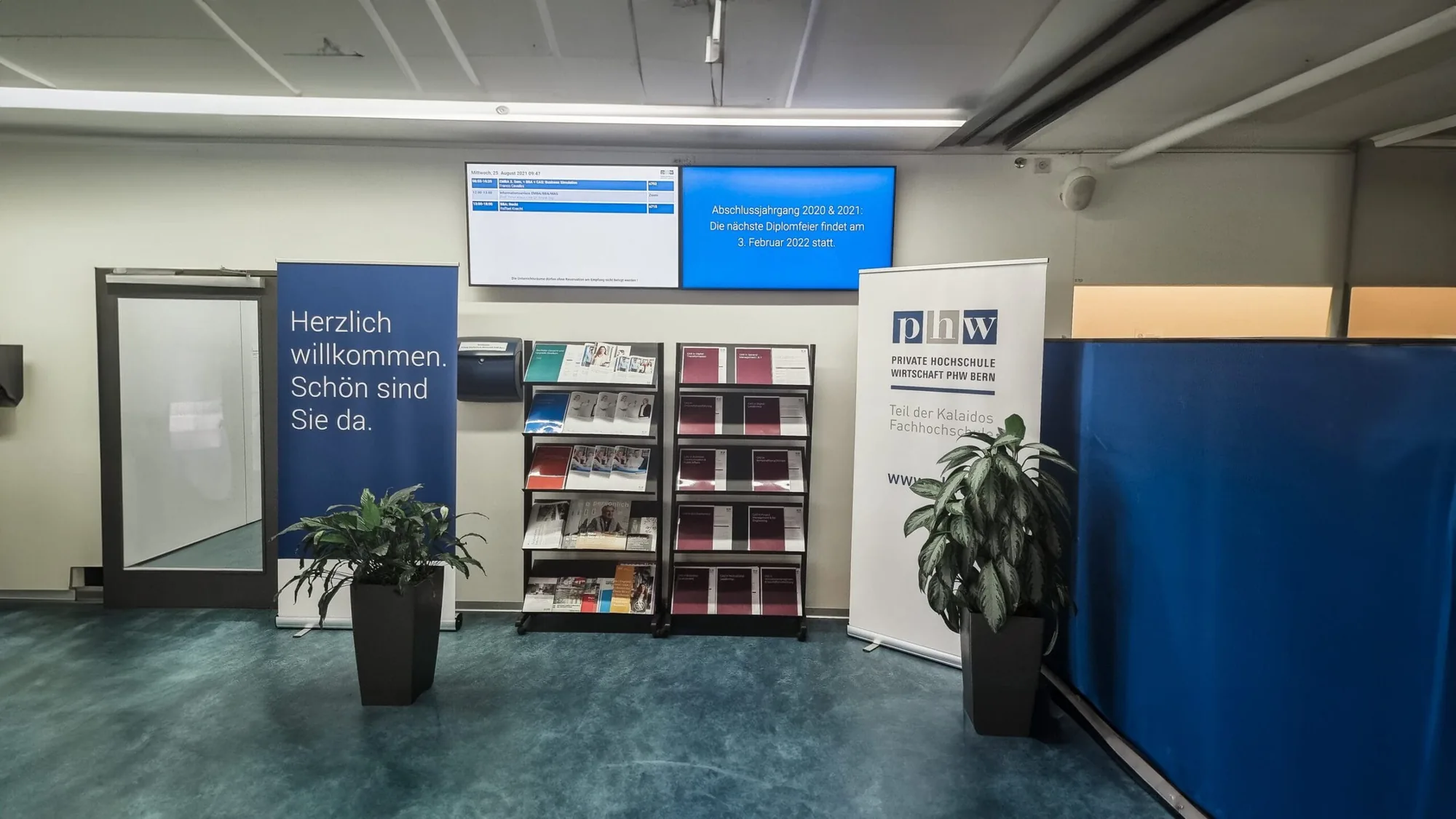
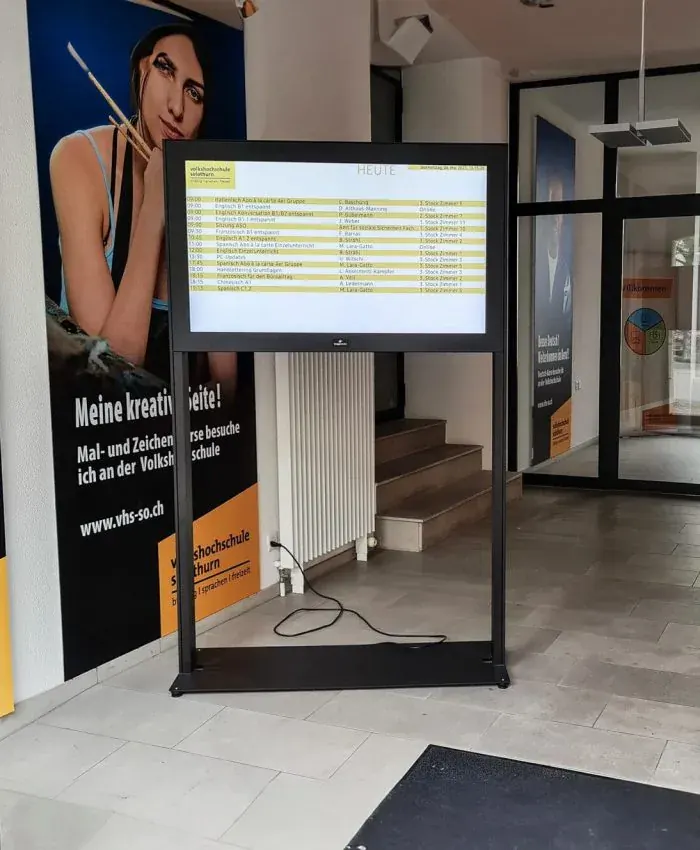
Outside lessons, information screens show cancelled lessons, room changes and events. We installed screens like these for the Private Hochschule Wirtschaft Bern and the Volkshochschule Solothurn. On larger projects we work with the IT department of the school or the municipality and take tenders and data protection into account from the start.
Selected work
Service
Write, show, save: the screen replaces the blackboard and projector and stays easy to read even in daylight.
Teachers and pupils share their screen without cables or adapters, for example with Barco ClickShare.
Microphones and loudspeakers for assembly halls and large rooms, so every word reaches the back row.
Cancelled lessons, room changes, events and alerts, managed centrally for the whole school building.
Process
We look at the rooms: size, light, walls, power and network. And we listen to how lessons are taught.
One proposal per room type, so all classrooms work the same way. With all one-off and running costs.
If you like, during the school holidays or in stages while teaching continues, neatly cabled and tested.
A short introduction for the teaching staff, then remote maintenance and a dedicated contact person.

In person
Philip Fiumi
Managing Director
Write or call. We’ll advise you with no obligation and get back to you within one working day.
FAQ
For most classrooms the interactive display is the better choice: it stays bright even in daylight, casts no shadows, and you write directly on it. A projector is worthwhile where a very large picture is needed, for example in the assembly hall. Laser projectors need no lamp changes.
Interactive displays usually come in 65, 75 and 86 inches. Which size fits depends on the depth of the room: text must be readable from the back row too. We measure this on site and show you how it looks in the room.
Yes. We coordinate network, accounts and data protection with the school's IT department or the municipality's IT partner, and we take the requirements of a tender into account from the start.
Yes. We set up every classroom the same way and show the teaching staff the key steps during the introduction. After that, we are available via remote maintenance or on site.
Yes. An alert can be shown on all screens at once at the push of a button and replaces all other content. It supplements the alarm system where many people are looking.
That depends on the number of rooms, the display size and the scope of sound and software. After a site visit you receive a quote with all one-off and running costs, for one room or a whole school building.
Digital
Background reading
Tell us briefly what you have in mind. We will get back to you within one working day.