Digital classrooms
Interactive display or projector in the classroom? An honest comparison
Brightness, picture size, writing, shadows and maintenance: when the interactive display is the better choice and when the projector is.
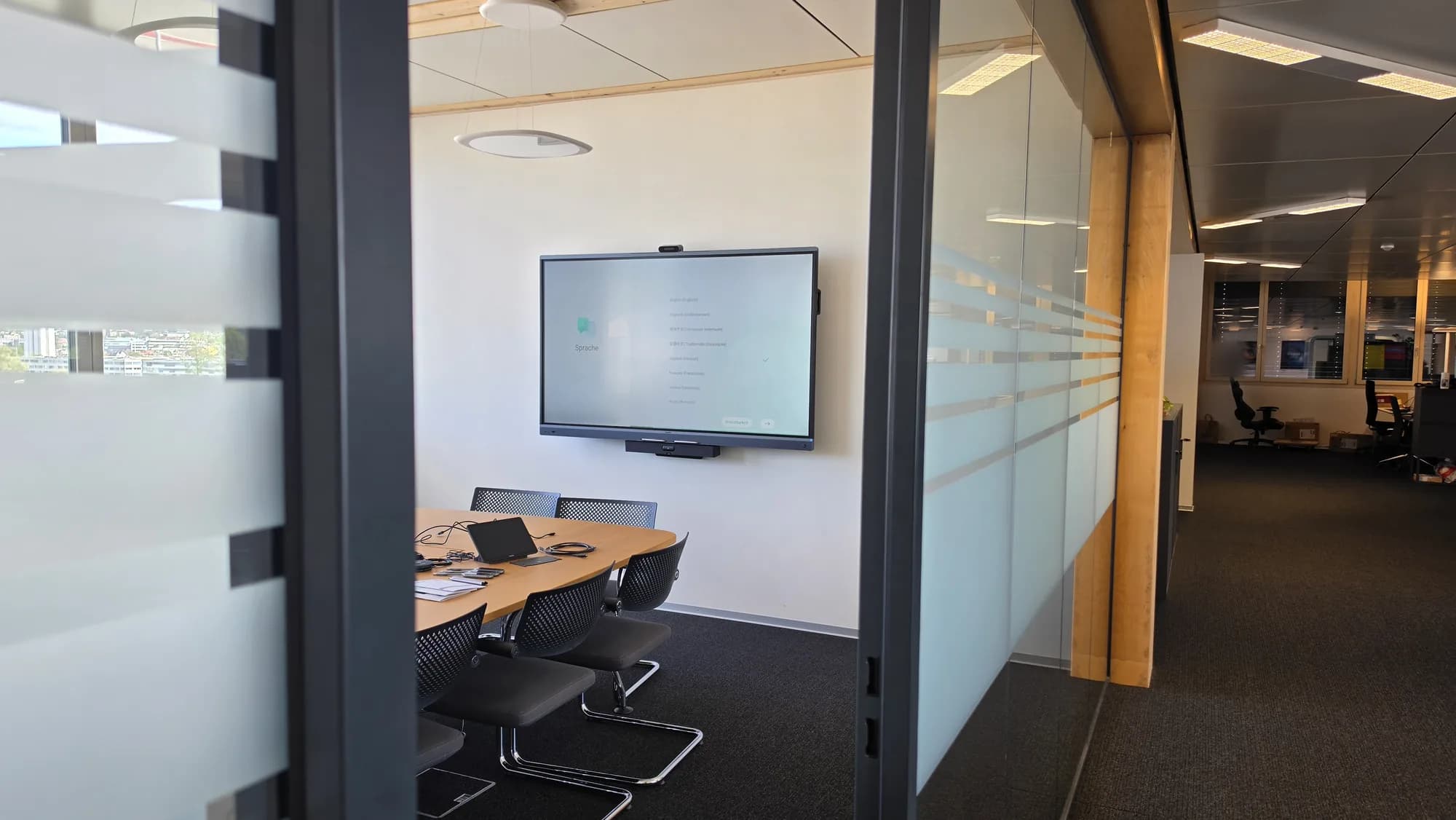
When the old projector needs replacing, many schools face the same question: another projector or an interactive display? Both have their place. What matters is the room, the light and the way lessons are taught.
How bright does the picture need to be?
A display produces its own light. It stays easy to read even with sun in the room, and the blinds do not have to come down. A projector casts its picture onto a screen, and the brighter the room, the paler it gets. High brightness projectors partly make up for this, but they rarely match the clarity of a display in daylight.
How large does the picture need to be?
This is where the projector has its advantage: a picture three or four metres wide is easily achievable with a projector, but hardly with a display. In normal classrooms a 75 or 86 inch display is often enough. In assembly halls, gyms and large multipurpose rooms, projection usually remains the right choice. For Burckhardt Architektur AG we equipped an auditorium with a laser projector that keeps the large screen bright and sharp even in daylight.
Writing and showing
An interactive display is also a blackboard: you write directly on the picture, highlight, move things around and, depending on the device, save what is on the board. With a projector you need an extra solution for this, such as an interactive whiteboard or a projector with pen detection. Anyone who develops a lot on the board benefits most from the display.
Shadows and glare
Anyone standing in front of a projector casts a shadow and looks into the light. Short throw projectors reduce this because they project from above, close to the wall. A display does not have this problem. Its position in the room matters, though, so the windows are not reflected in it.
Maintenance and lifespan
A classic lamp projector regularly needs a new lamp and clean filters. Laser projectors need no lamp changes. Displays have neither lamp nor filter, and professional models are built for long running times. With both, it is worth calculating the costs over several years rather than just the purchase price.
Everyday operation
What matters is how quickly the technology is ready. A display is up in seconds after switching on, while a projector takes a little longer depending on the model. With wireless sharing and the same setup in every room, teachers immediately find their way around anywhere.
Mounting: wall, stand or height adjustable
A display is usually fixed to the wall, where the blackboard used to be. For rooms with different uses there are trolley stands: the device moves to wherever it is needed, like the Neat Board we set up for Swissterminal AG. For younger children, a height adjustable mount is worthwhile so they can reach the board themselves. A projector, by contrast, needs a ceiling mount, a screen and a clear projection surface.
Calculating costs over the years
The purchase price is only one part. A fair comparison also includes: mounting and cabling, spare lamps and filters for lamp projectors, warranty and spare parts, software updates over the service life, and support. We calculate both options in advance, so school management and municipality decide on the same basis.
Our recommendation in brief
- Normal classroom: interactive display, sized to the depth of the room.
- Very bright room: display, because it stays readable even in sunlight.
- Assembly hall, gym, large multipurpose room: laser projector with a large screen and a good sound system.
- Projector that still works well: add wireless sharing and decide again at the next replacement.
How we go about it
We look at the room, measure depth and light and show how it looks on site. You then receive a quote with all one-off and running costs, for one room or a whole school building. How planning works overall is described in the article Digital classroom: what it takes.
More on this: Digital classrooms and Media technology for halls and auditoriums.

In person
Philip Fiumi
Managing Director
Questions about Digital classrooms?
Write or call. We’ll advise you with no obligation and get back to you within one working day.
Matching service
More services.
More articles
News
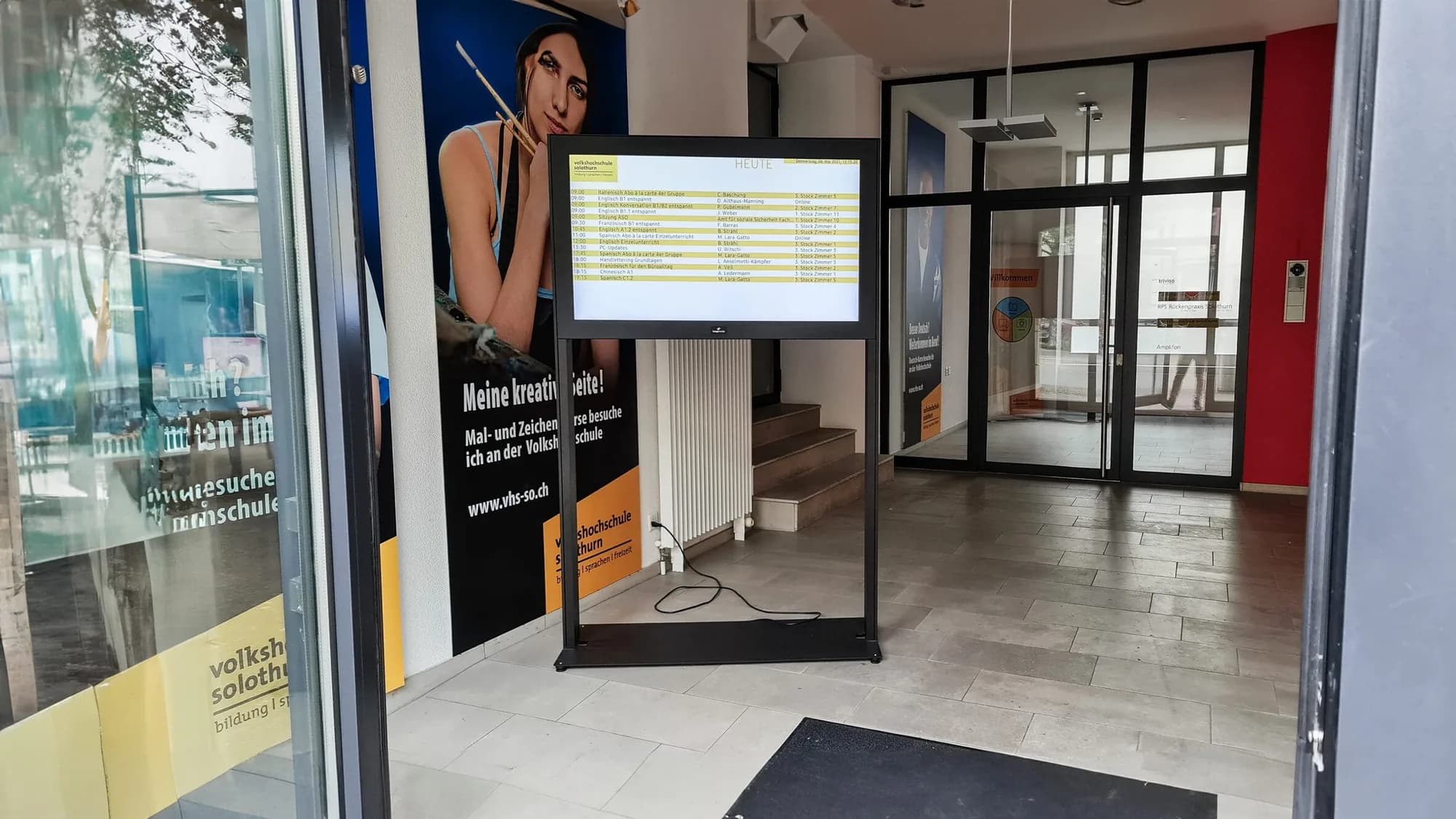
Information screens in schools: room changes, cancelled lessons and emergencies at a glance
What screens in the school building should show, where they hang, who maintains them and how they all warn at the same time in an emergency. With examples from Bern and Solothurn.
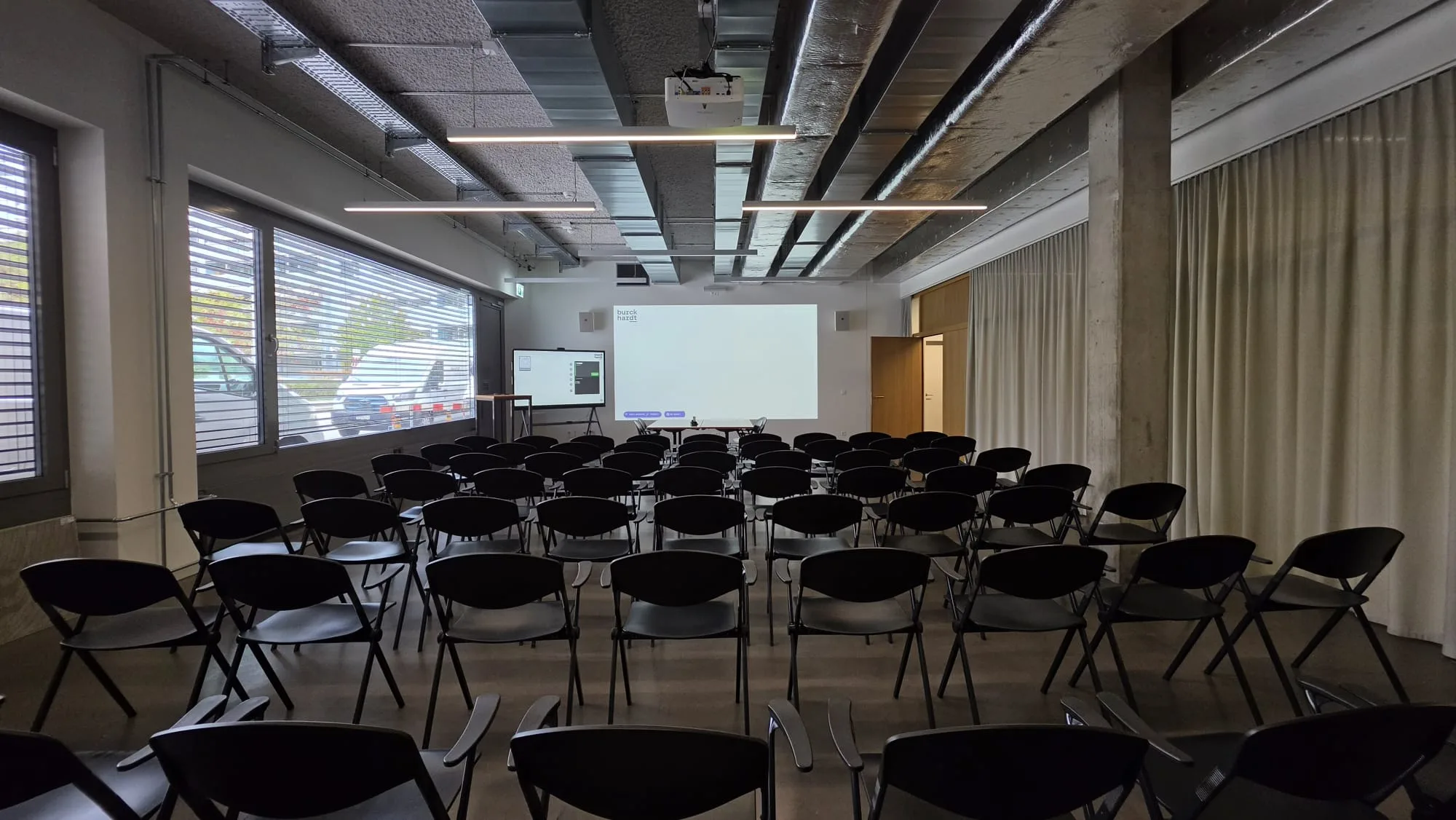
Digital classroom: what it takes and how planning works
Display, wireless sharing, sound, network and introduction: what schools and municipalities should look out for when planning, so the technology is actually used in lessons.
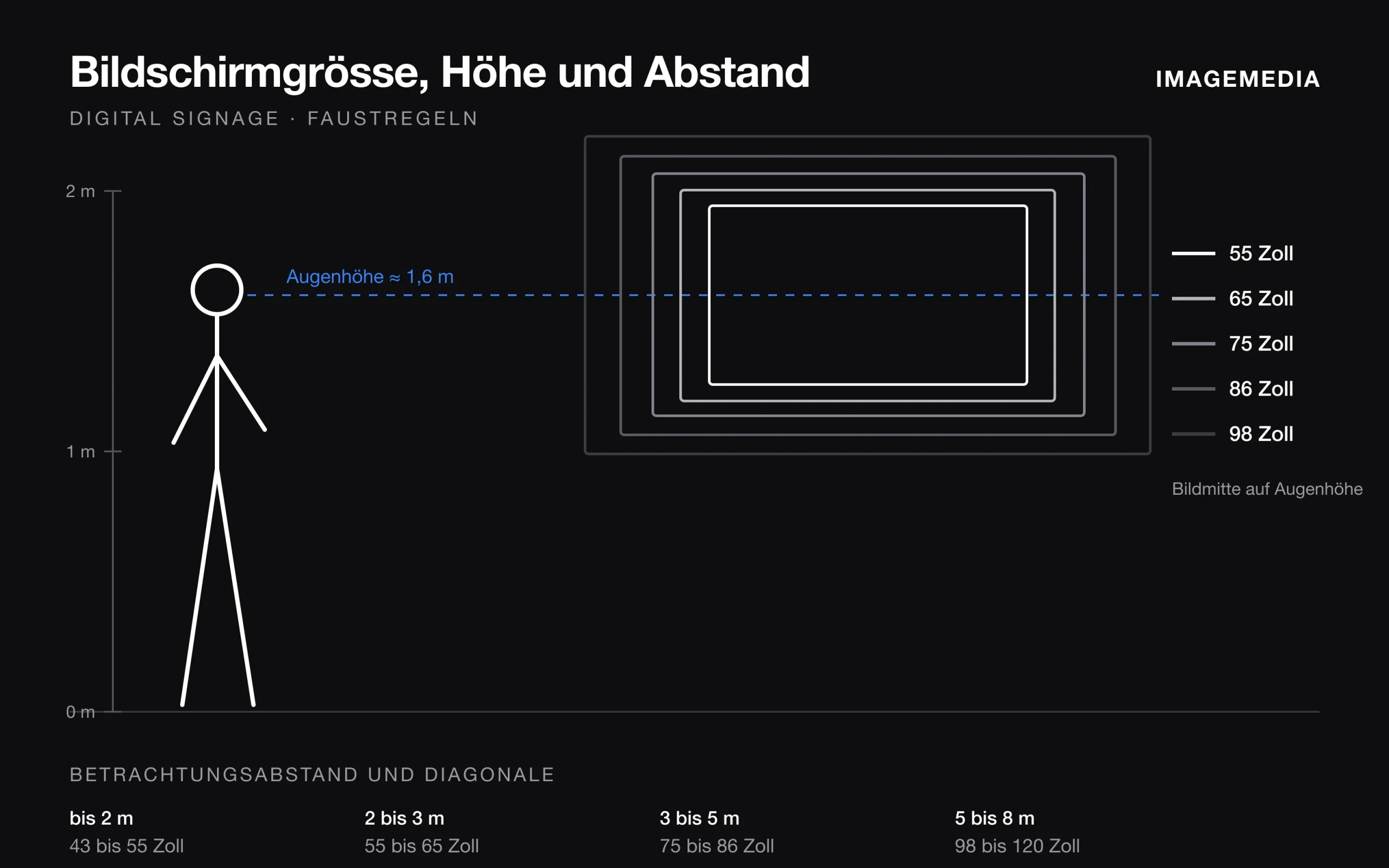
Which screen size for digital signage? Distance, height and orientation
Screen size follows from viewing distance, content, mounting height and orientation. Rules of thumb from installation practice, with a table.