Digital signage
Which screen size for digital signage? Distance, height and orientation
Screen size follows from viewing distance, content, mounting height and orientation. Rules of thumb from installation practice, with a table.
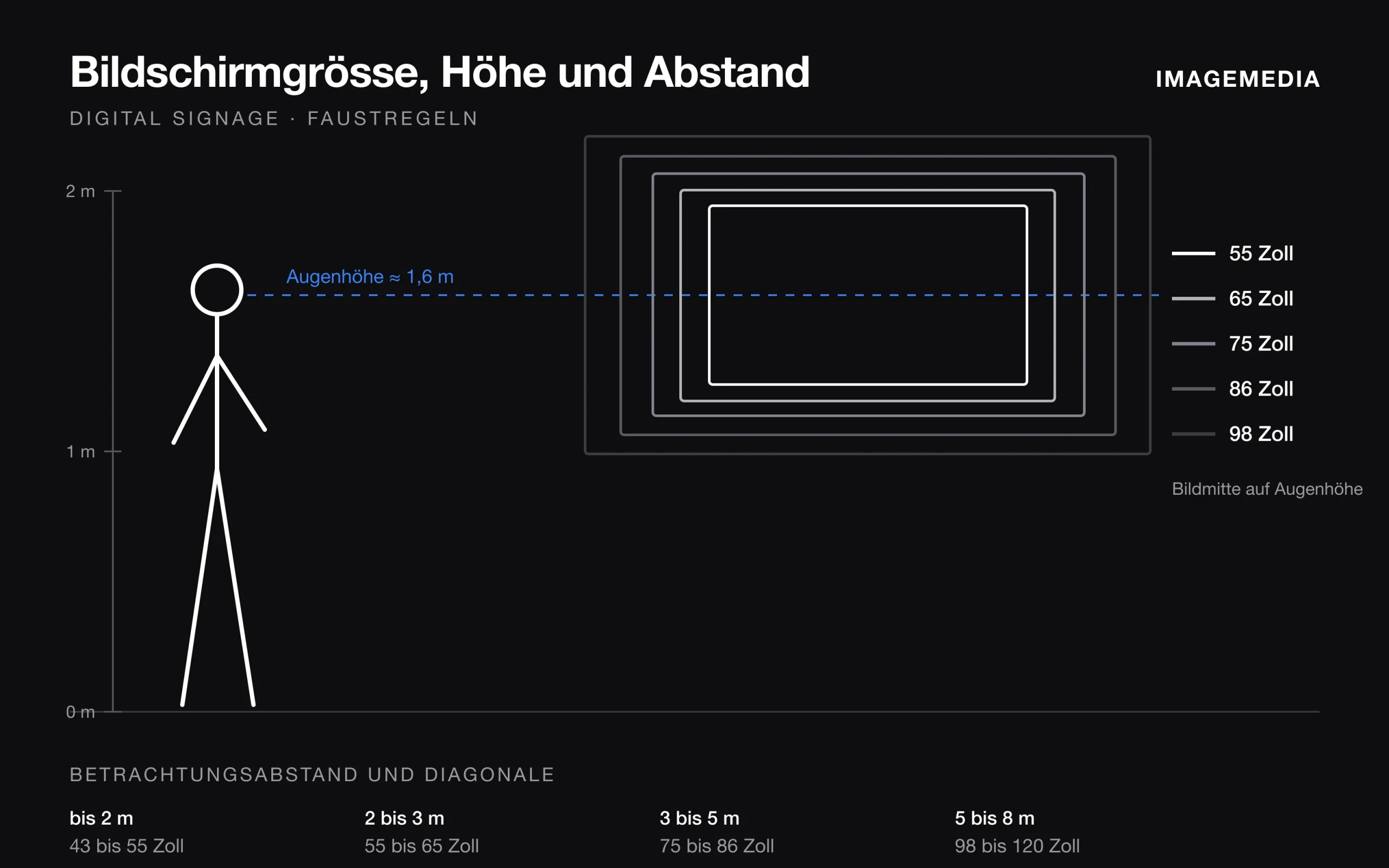
The question comes up in almost every signage project: how big should the screen be? The honest answer does not depend on the budget but on four things: the viewers’ distance, the kind of content, the mounting height and the orientation. Settle these four points first and you buy once, and right.
Distance decides the size
For pictures and video, a simple rule of thumb from practice:
| Viewing distance | Suitable diagonal |
|---|---|
| up to 2 m | 43 to 55 inches |
| 2 to 3 m | 55 to 65 inches |
| 3 to 5 m | 75 to 86 inches |
| 5 to 8 m | 98 to 120 inches |
Beyond about eight metres, in halls or on facades, a single display reaches its limit. That is where an LED wall comes in, modular and scalable to any size.
Measure the distance where people actually stand or sit: at the counter, in the queue, at the table. Not at the opposite wall.
Text needs more room than pictures
A video works even on a small surface. Text does not. For lettering: at least one centimetre of letter height per metre of distance, and rather double that for older eyes and quick glances in passing.
An example: a price list to be read from six metres needs letters six centimetres high. A 65-inch screen in landscape is about 81 centimetres tall. With line spacing, that fits around eight lines, no more. To show more, you need a bigger screen or several pages that rotate.
Portrait or landscape
Orientation follows the content, not the wall.
- **Portrait** for menus, wayfinding, job ads, people and anything read like a poster. Totems in corridors and shop-window displays usually stand upright.
- **Landscape** for video, landscapes, presentations, tables and anything made for television.
Simply rotating a screen is not enough. Content has to be designed for the orientation, otherwise black bars remain at the top and bottom and the effect is gone.
The right height
The centre of the picture belongs at the viewers’ eye level. For standing people that is about 1.5 to 1.7 metres above the floor; for seated people, in a waiting room or restaurant, about 1.2 metres.
If the screen hangs above head height because shelves, a counter or walkways sit below it, tilt it slightly downwards. Otherwise the ceiling lights reflect and colours look washed out. Tilting mounts cost hardly more than fixed ones.
Light and brightness
The brighter the room, the brighter the display needs to be. A screen facing a window needs far more brightness than one inside. In a shop window with direct sun, a TV will not do; it takes devices built for that use. Our article on shop-window brightness has more.
Mount and wall
Large displays are heavy. From 86 inches, the device with its mount exceeds 40 kilograms, and considerably more at 98 and 120 inches. The wall has to carry that; with plasterboard you need a substructure or a floor stand. Add power and network behind the device so no cable hangs in view, and a player that plays the content reliably.
Decide in short
1. Measure the distance where people really stand. 2. Define the content: video, picture or text. 3. Choose the orientation by content, not by wall. 4. Picture centre at eye level, otherwise tilt. 5. Brightness according to room light. 6. Clarify wall, power, network and player before buying.
We plan this with you on site, mount the device and set up the content, in Solothurn and across Switzerland.

In person
Philip Fiumi
Managing Director
Questions about Digital Signage?
Write or call. We’ll advise you with no obligation and get back to you within one working day.
Matching service
More services.
More articles
News
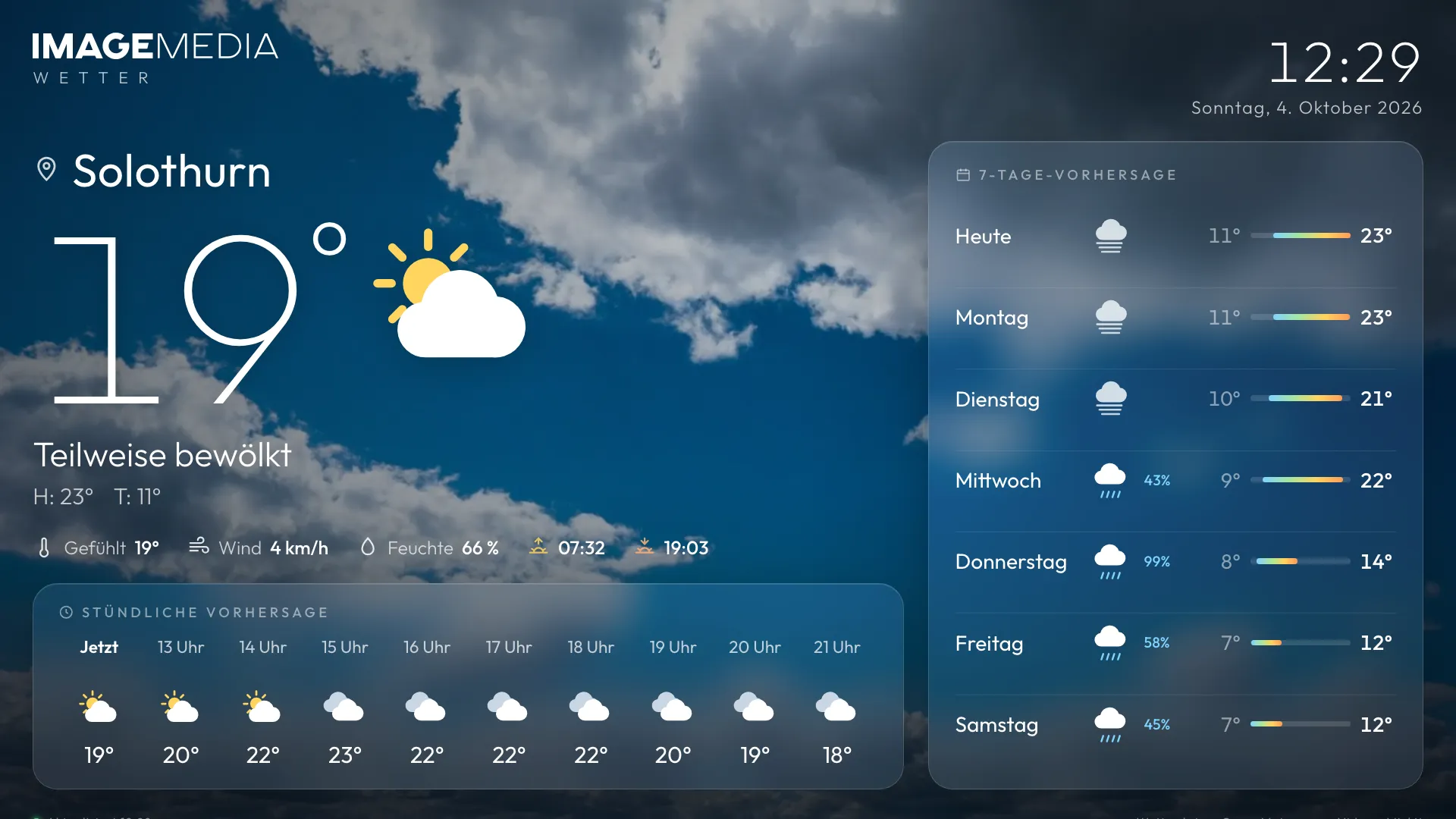
Three free signage apps: Weather, News and a word puzzle for your screens
A screen needs content that is fresh every day. We have built three apps that deliver exactly that and we are making them available to you for free: weather with a video background, news from Switzerland and a puzzle for the waiting time. With instructions.
Ten years of digital signage: what has really changed
Screens have become cheaper, content more demanding and operation more important than the hardware. A retrospective from installation practice.
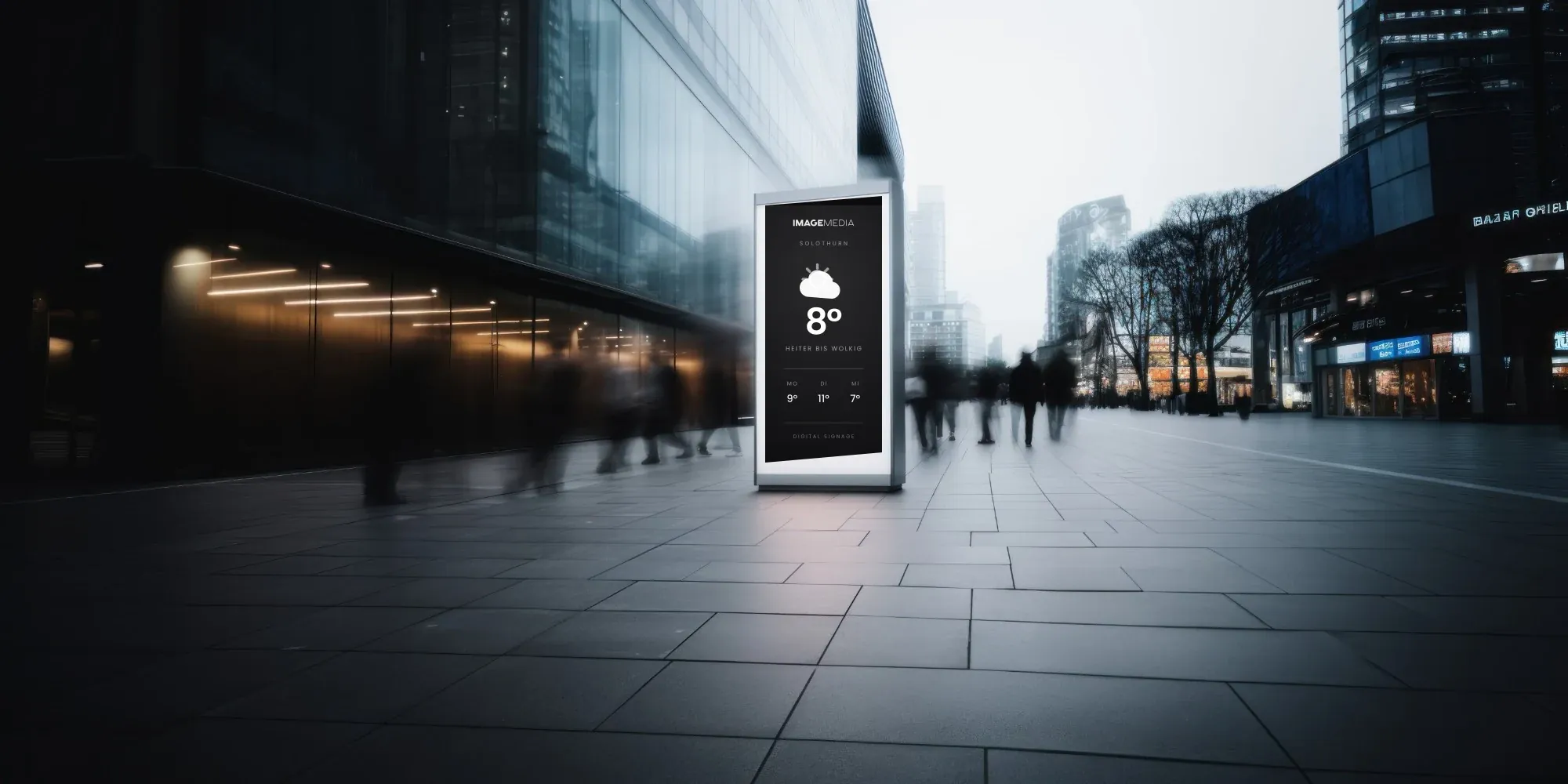
Digital signage in the shop window: how bright does the display have to be?
Sun, reflections and heat behind glass decide whether a shop window display works. What nits mean, which values are enough and what matters for film, power and operating hours.