Digital classrooms
Information screens in schools: room changes, cancelled lessons and emergencies at a glance
What screens in the school building should show, where they hang, who maintains them and how they all warn at the same time in an emergency. With examples from Bern and Solothurn.
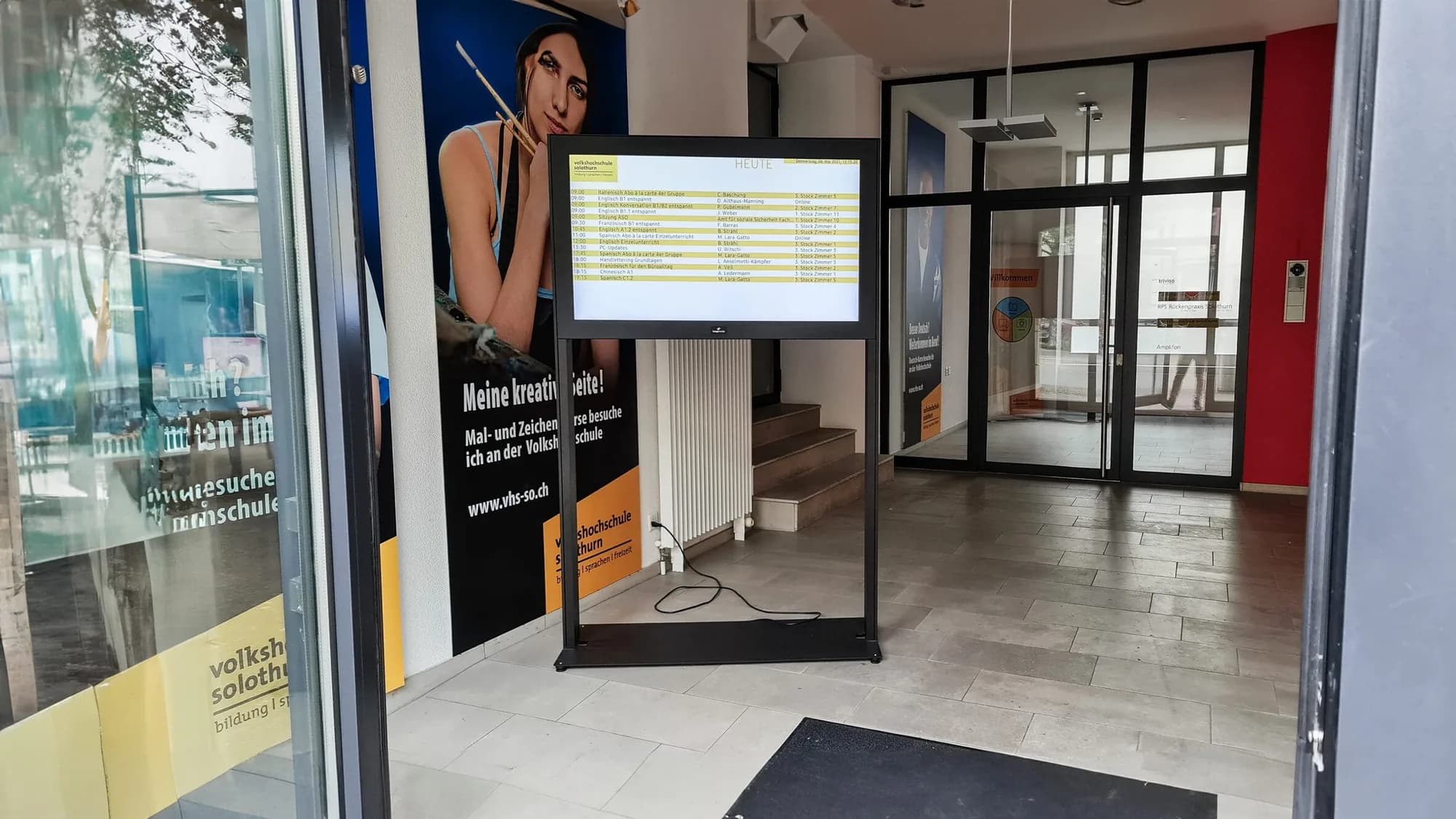
In the morning a lesson is cancelled, a room is suddenly booked, in the evening there is a parents' evening. Information like this reaches pupils and teachers fastest where they pass by anyway: in the entrance and the corridors. An information screen shows it up to date, easy to read and without printed notices.
What an information screen shows in a school
- Cancelled lessons and room changes, as early as possible.
- Events, exam dates and holidays.
- Directions for visitors, for example the way to the school office.
- Lunch menu, weather and the next bus and train departures.
- In an emergency, an alert that replaces all other content.
Examples from our projects
For the Private Hochschule Wirtschaft Bern we installed several signage displays. The school uses them to show cancelled lessons, room changes and other announcements, and different information can run at different locations in the building. At the Volkshochschule Solothurn there is a display in the entrance area that informs students and visitors about short notice room changes and announcements.
Where the screens should hang
Where everyone passes: in the main entrance, in the stairwell, outside the staff room and by the canteen. The screen hangs so you can read it in passing, and the text is large enough for a few metres' distance. Which size and height fit is described in our guide Which screen size for digital signage?
Who maintains the content?
Ideally the school office or the school management, without going through IT. In our signage software this is done in the browser: upload text or an image, set the schedule, publish. With an expiry date, old messages disappear by themselves, and weather or public transport departures run automatically.
Content that gets read
An information screen only has seconds. Anything that should get across in passing needs large type, one message per page and strong contrast. Important items such as room changes get a fixed position on the screen, so nobody has to look for them. More rules from practice are in the article Designing digital signage content.
Data protection on screen
An information screen is public, visitors see it too. That is why pupils' names, grades and reasons for absences do not belong on the screen. Instead of “Mr Meier is ill”, “Maths lesson 3b is cancelled” is enough. That way the information stays useful without revealing anything personal.
Alerts in an emergency
In an emergency every second counts. An alert can be shown on all screens at once at the push of a button and replaces all other content. It does not replace an alarm system, but supplements it where many people are looking.
Information screen or website?
Many schools already publish their announcements on the website or in an app. The screen does not replace that. But it reaches everyone who is in the building at that moment, including guests and pupils who do not look at their phones during lessons.
How we go about it
We plan the locations with you, supply professional displays for continuous operation, mount them and set up the software. We then show the school office how to maintain the content and remain your contact. How information screens work together with interactive displays in the classroom is described in the article Digital classroom: what it takes.
More on this: Digital classrooms and Information displays.

In person
Philip Fiumi
Managing Director
Questions about Digital classrooms?
Write or call. We’ll advise you with no obligation and get back to you within one working day.
Matching service
More services.
More articles
News
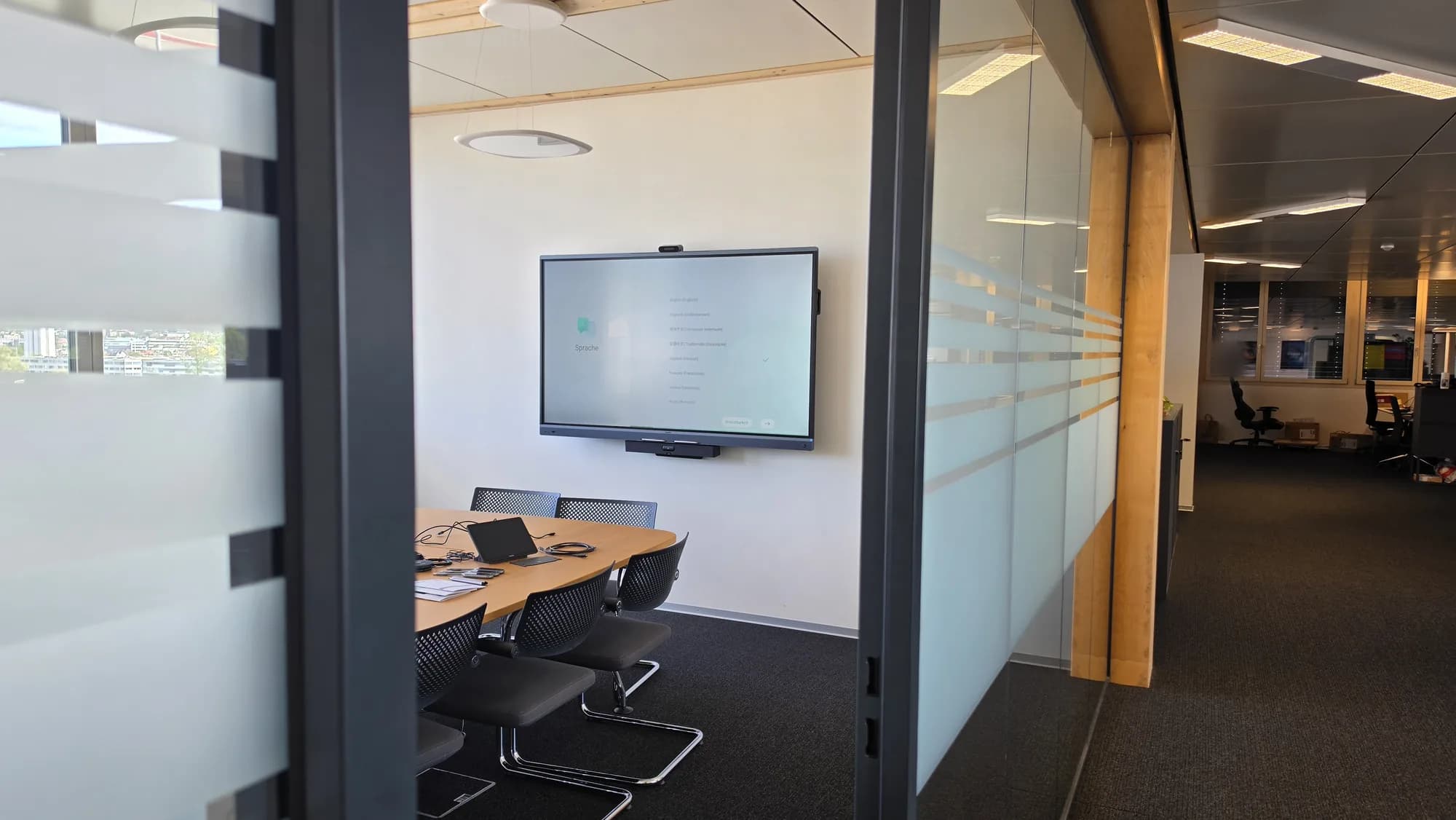
Interactive display or projector in the classroom? An honest comparison
Brightness, picture size, writing, shadows and maintenance: when the interactive display is the better choice and when the projector is.
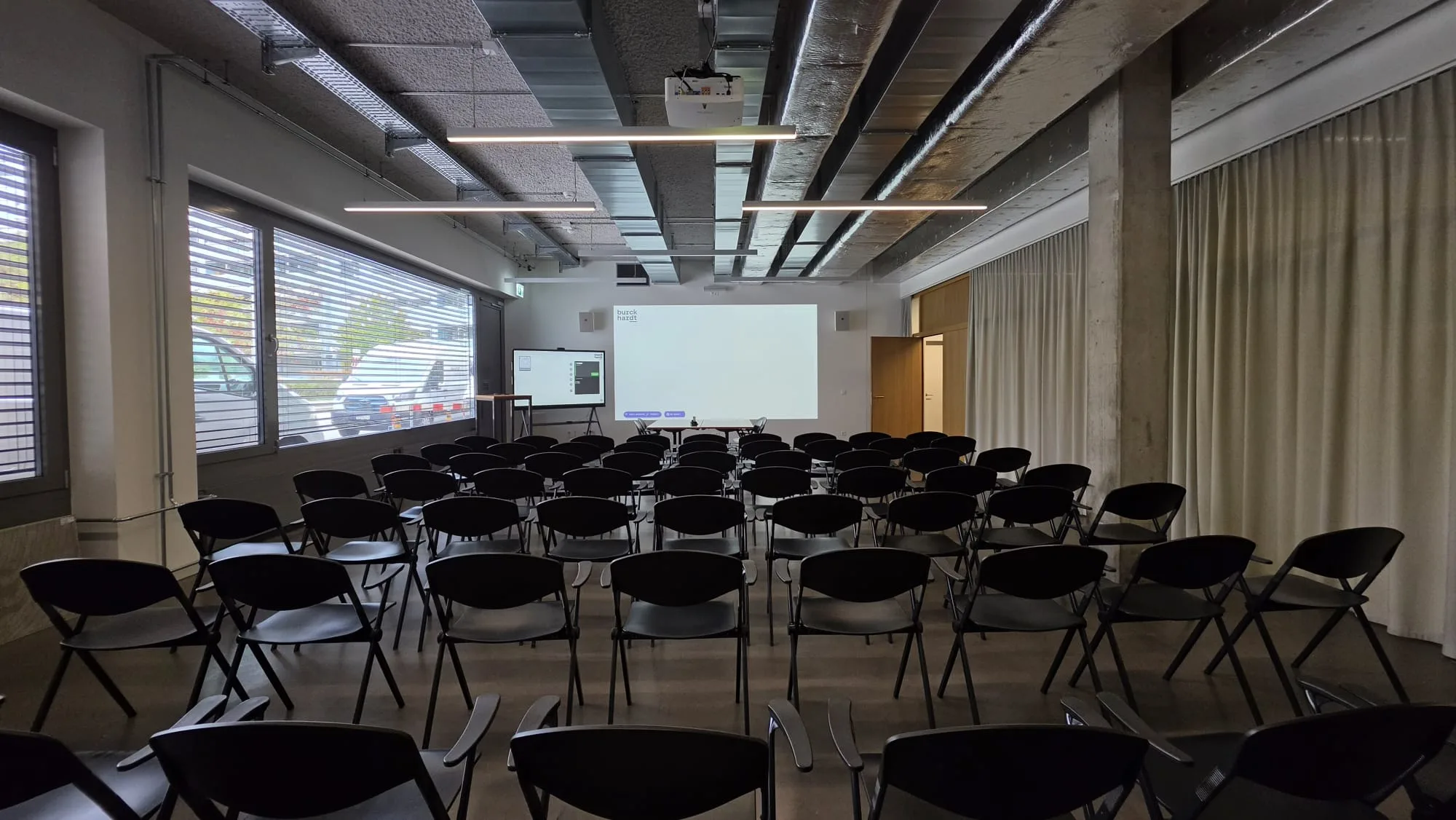
Digital classroom: what it takes and how planning works
Display, wireless sharing, sound, network and introduction: what schools and municipalities should look out for when planning, so the technology is actually used in lessons.
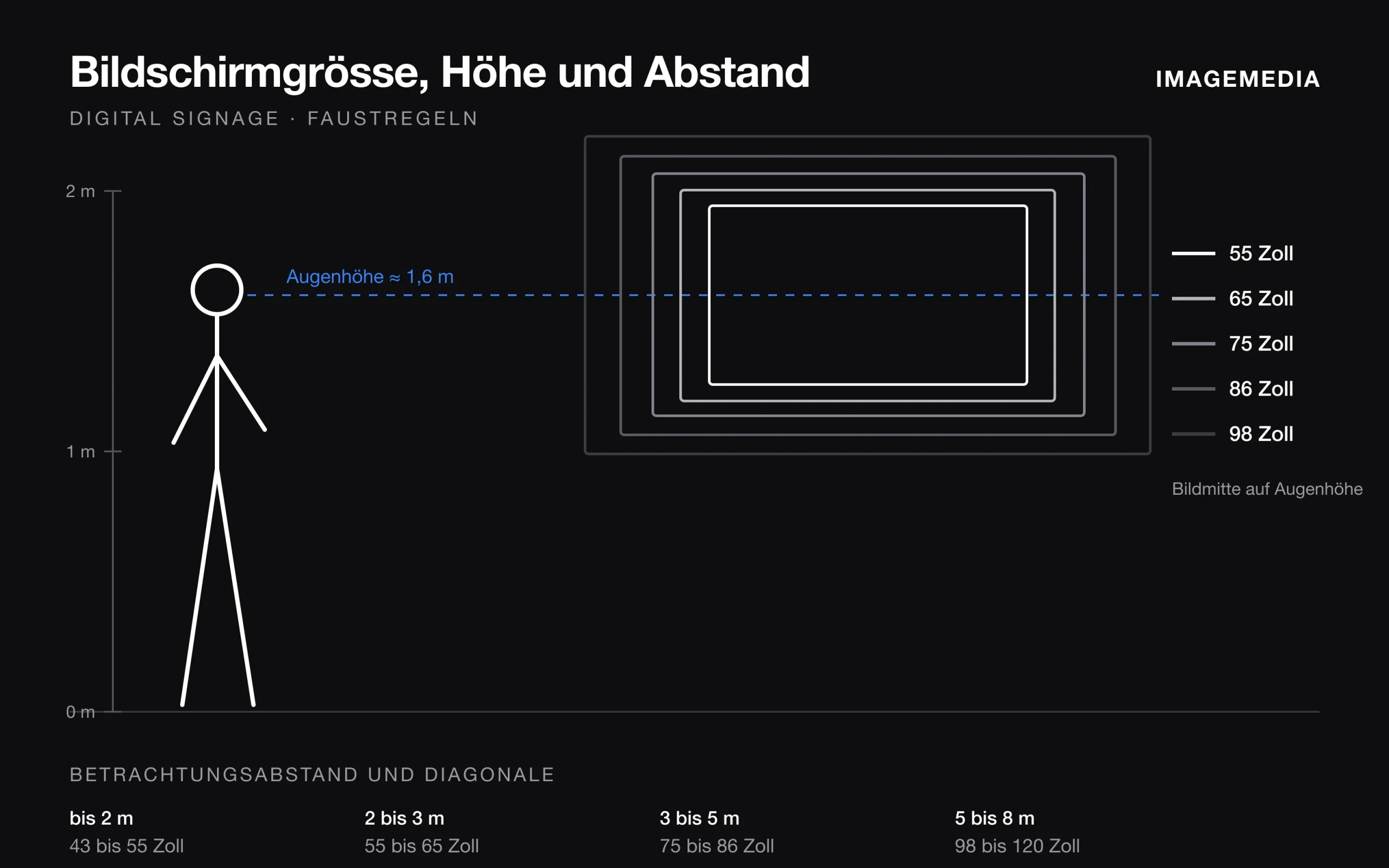
Which screen size for digital signage? Distance, height and orientation
Screen size follows from viewing distance, content, mounting height and orientation. Rules of thumb from installation practice, with a table.