Digital classrooms
Digital classroom: what it takes and how planning works
Display, wireless sharing, sound, network and introduction: what schools and municipalities should look out for when planning, so the technology is actually used in lessons.
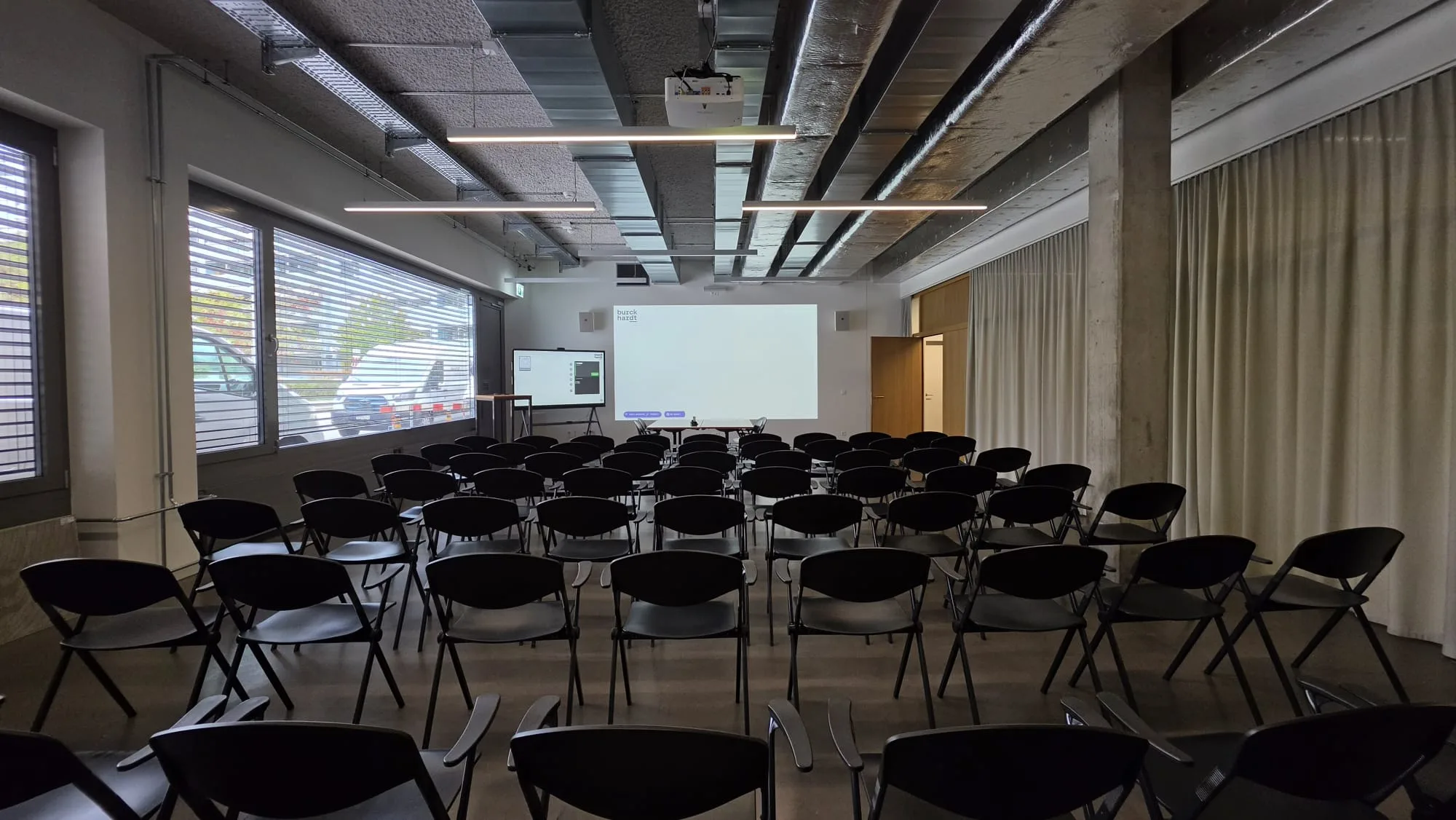
Many schools already have technology in the classroom: a projector on the ceiling, a cable at the desk, an adapter somewhere. Yet it is often only half used, because switching on takes minutes and every teacher brings a different device. A digital classroom solves exactly that: the technology is ready when the lesson starts, and nobody has to set it up first.
What does a digital classroom include?
- A large picture everyone can see: usually an interactive display, in large rooms a projector.
- Wireless sharing, so teacher and pupils can show their screen in seconds.
- Sound that reaches the back row, especially in large rooms and for videos.
- A stable network, because without Wi-Fi and a wired connection none of it runs reliably.
- Simple operation, ideally one button or a touch panel.
Interactive display instead of blackboard and projector
The interactive display is the centrepiece today. You write with the pen or your finger directly on worksheets, photos or a blank surface, show videos and websites and, depending on the device, can save what is on the board and share it with the class. Because the picture produces its own light, it stays easy to read even in daylight, and nobody casts a shadow when standing in front of it.
Size matters. Text must be readable from the back row too. Interactive displays usually come in 65, 75 and 86 inches; which size fits depends on the depth of the room. We measure this on site and show how it looks in the room. Whether a display or a projector is the better fit, we compare in the article Interactive display or projector in the classroom?
Wireless sharing, without adapters
Everyday school life brings many devices together: the teacher's laptop, the pupils' tablets, a guest speaker's device. With a wireless presentation solution such as Barco ClickShare, every device connects to the display in seconds, without adapters and without a tangle of cables at the desk. This way pupils can also show their work to the class without coming to the front.
Sound: often forgotten, often decisive
In a normal classroom, the display's speakers are usually enough for videos. Assembly halls, multipurpose rooms and large training rooms need more: microphones for the teacher and for contributions from the floor, loudspeakers that cover the room evenly, and controls that make volume and sources simple. For rooms like these, we combine, for example, microphones from Shure with a sound system and a touch panel.
Involve the network and IT early
A digital classroom is only as good as the network behind it. Displays, presentation systems and information screens need a clean network connection, updates and clear responsibilities. That is why we involve the school's IT department or the municipality's IT partner from the start: we clarify network, accounts, data protection and the requirements of a tender before anything is ordered.
How a project works
- Site visit: we look at the rooms, size, light, walls, power and network, and listen to how lessons are taught.
- Concept: one proposal per room type, so all classrooms work the same way and teachers find their way around everywhere.
- Quote: with all one-off and running costs, so school management and municipality can compare.
- Installation: if you like, during the school holidays or in stages while teaching continues.
- Introduction: a short training session for the teaching staff, then support via remote maintenance or on site.
Standardised instead of one-offs
The most common mistake is a patchwork: every room has a different device, and each teacher only knows their own. A standard per room type is better, for example classroom, workshop and assembly hall. Then operation works the same everywhere, replacements are quickly sourced, and the introduction applies to all rooms.
How long does it take to convert a school building?
That depends on the number of rooms and the condition of the power supply and network. A single classroom is usually set up in one day. We plan a whole school building so that teaching continues, for example during the holidays or floor by floor.
What happens to the existing projectors?
A projector that still works well does not have to go straight away. With wireless sharing it becomes much easier to use day to day. When it is next due for replacement, you decide room by room whether a display is a better fit.
Do we need new software?
Usually not. Interactive displays show what is running on the teacher's device and come with a board and drawing function. Which programs the school uses in lessons remains its own decision. We set up the devices to fit.
How are teachers introduced to it?
With a short introduction right in the classroom, ideally before term starts. Because all rooms are set up the same way, a few steps are enough: switch on, share, write, save. We answer any questions afterwards via remote maintenance or on site.
What about data protection?
Nothing stays stored on a classroom display unless you want it to: board content can be deleted after the lesson, and we set up devices connected to the internet together with the school's IT department. For cameras and microphones used in hybrid teaching, we clarify beforehand when they run and who switches them on.
Information screens complement the classroom
Outside lessons, screens in the entrance and corridors help: they show cancelled lessons, room changes, events and, in an emergency, an alert on all screens at once. How this works in schools is shown in the article Information screens in schools.
More on this: Digital classrooms and Meeting and training rooms.

In person
Philip Fiumi
Managing Director
Questions about Digital classrooms?
Write or call. We’ll advise you with no obligation and get back to you within one working day.
Matching service
More services.
More articles
News
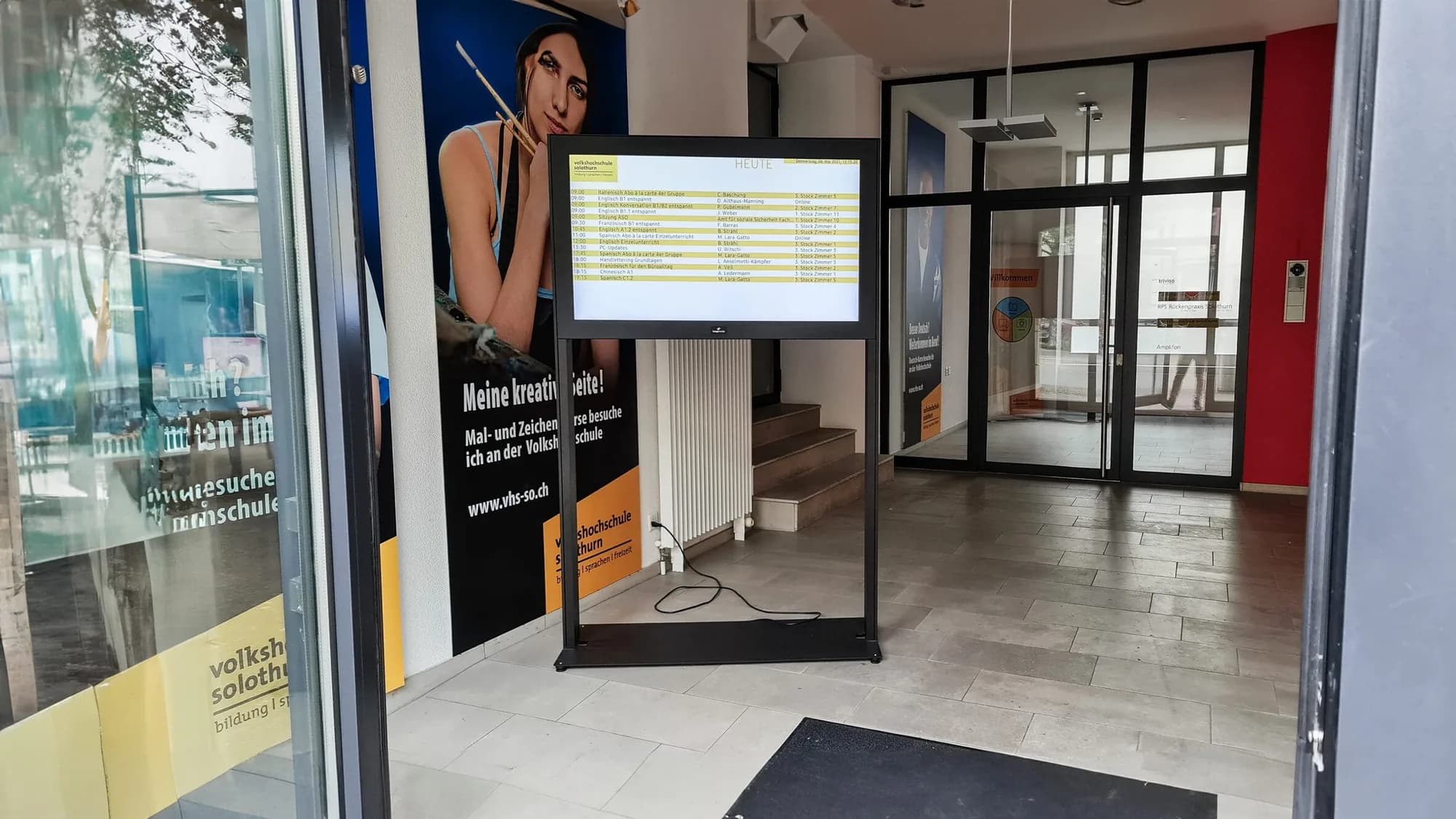
Information screens in schools: room changes, cancelled lessons and emergencies at a glance
What screens in the school building should show, where they hang, who maintains them and how they all warn at the same time in an emergency. With examples from Bern and Solothurn.
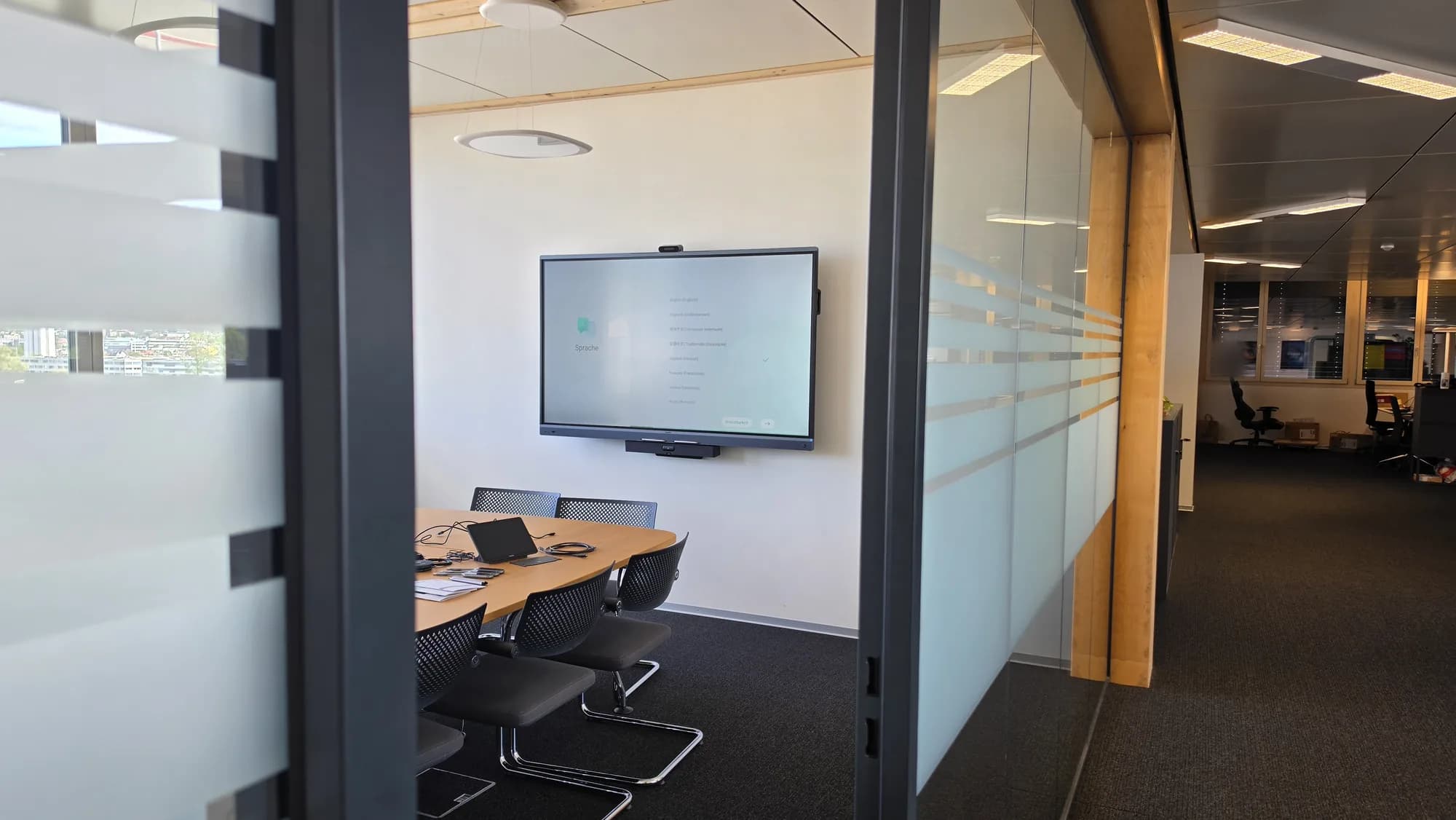
Interactive display or projector in the classroom? An honest comparison
Brightness, picture size, writing, shadows and maintenance: when the interactive display is the better choice and when the projector is.
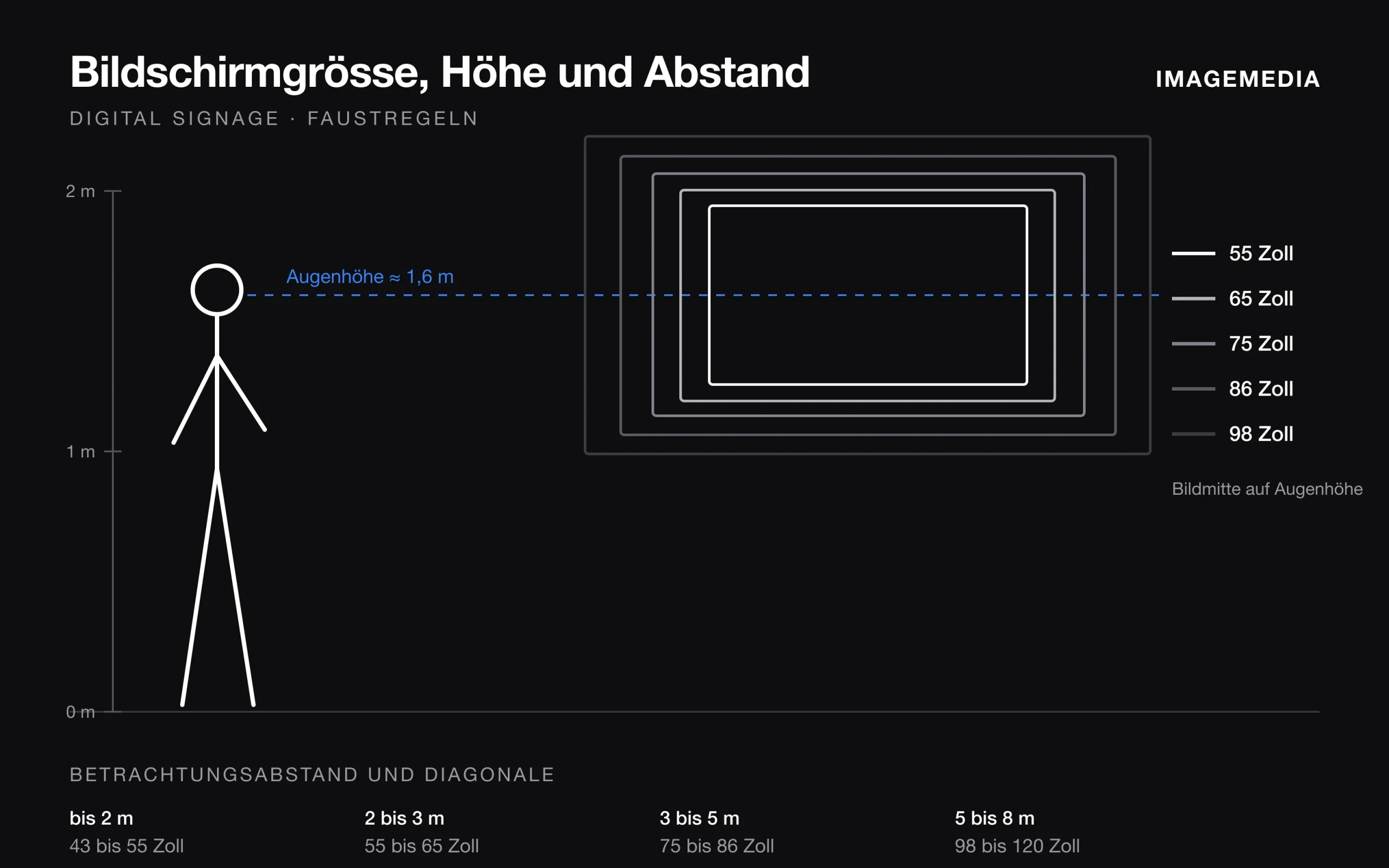
Which screen size for digital signage? Distance, height and orientation
Screen size follows from viewing distance, content, mounting height and orientation. Rules of thumb from installation practice, with a table.