Room booking
Room booking at the meeting room: Logitech, Yealink and Crestron compared
Booking panels show whether a meeting room is free and book it right at the door. Tap Scheduler 2, RoomPanel E2 and Crestron 80 Series compared.
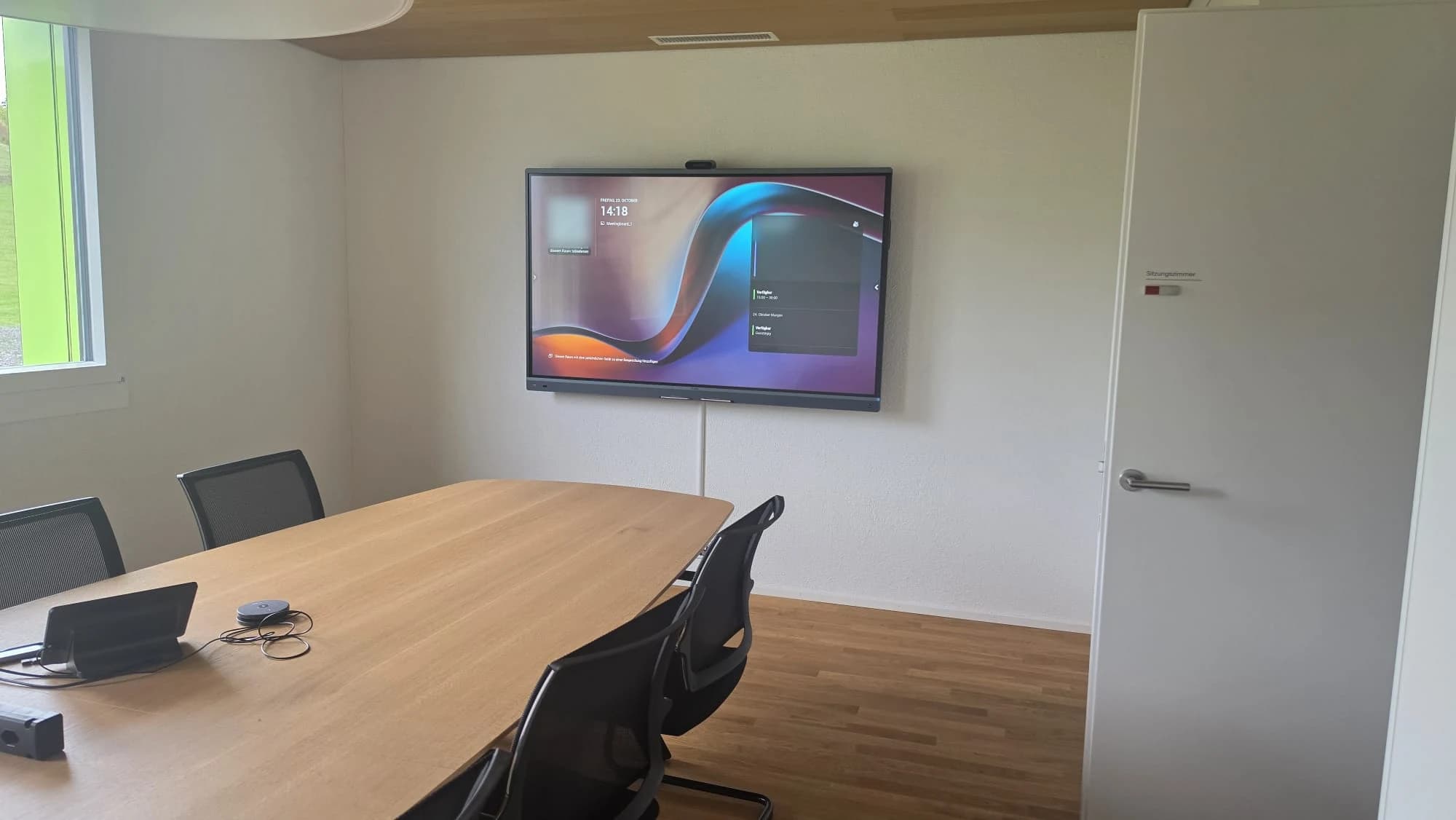
A booking panel next to the door shows whether the meeting room is free and lets you reserve the room right at the display. Logitech, Yealink and Crestron each brought out a new generation in 2025 and 2026: the Tap Scheduler 2, the RoomPanel E2 and RoomPanel Plus E2, and the 80 Series with TSS-880 and TSS-1080. This comparison shows the situation as of November 2026.
What does a room booking display outside the meeting room show?
The panel shows the room status and the bookings. LED strips signal free or occupied. As a Microsoft Teams Panel, such a device can, according to Microsoft:
- reserve the room with a tap or a QR code
- require a check-in and otherwise release the room automatically
- extend a meeting or end it early
- show the room equipment and indicate when the room is at full capacity
Which room booking panels are current in 2026?
Microsoft lists the new panels from all three manufacturers as certified Teams Panels. The differences lie in the platforms and the features.
| Device | System and Teams certification | Platforms according to the manufacturer | Special features |
|---|---|---|---|
| Logitech Tap Scheduler 2 | Android 14, certified until 4.10.2028 | Logitech Room Booking, Microsoft Teams, Zoom Workspace Reservation, Appspace, Robin | brighter status lighting, screen wakes up when someone approaches |
| Yealink RoomPanel E2 and RoomPanel Plus E2 | Android 13, certified until 15.8.2028 | Microsoft Teams, Zoom Rooms | LED strips on both sides, NFC/RFID, microphones and loudspeakers |
| Crestron TSS-880 and TSS-1080 | Android 13, certified until 15.8.2028 | Crestron Room Scheduling, Zoom Rooms Scheduler, Microsoft Teams, third-party apps | built-in light bars in freely selectable colours, Wi-Fi up to Wi-Fi 6E |
Logitech announced the Tap Scheduler 2 on 8 October 2026. Logitech gives no display size on the product page. The predecessor, the 10.1-inch Tap Scheduler, remains listed. Crestron announced the 80 Series on 20 January 2026, available worldwide through specialist dealers from the second quarter of 2026 according to the press release. The TSS-880 measures 8.1 inches with 1280 x 800 pixels. The predecessors TSS-770 and TSS-1070 remain certified as Teams Panels.
Which calendars do the panels work with?
With Microsoft 365 and Exchange, with Zoom and, via booking apps, also with Google Calendar. Crestron Room Scheduling connects Microsoft Exchange, Microsoft 365 and Google Calendar. For Google Calendar, Logitech names the apps Robin, Appspace, Logitech Room Booking, Envoy, Comeen and Eptura. Yealink names Microsoft Teams and Zoom Rooms.
With Crestron, one chosen app runs per device. So first decide which system your business uses to book rooms. According to Microsoft, the brand of the panel does not have to match the technology in the room.
Is one network cable enough for power and data?
Yes. All three panels draw their power through the network cable (PoE). With the Tap Scheduler 2, power and network run over a single PoE cable. Yealink allows PoE or a power supply. The Crestron TSS-880 works with PoE or PoE+ to IEEE 802.3at. USB accessories on the Crestron panel need PoE+.
What to look out for: certification and licence
Microsoft keeps a list of certified Teams Panels with expiry dates. Check it before you buy, especially with remaining stock.
- The older Yealink RoomPanel Plus with Android 11 lost its Teams certification on 3 September 2026. Microsoft still supports it until 3 September 2027.
- The successors RoomPanel E2 and RoomPanel Plus E2 run Android 13 and are certified until 15 August 2028.
- A Teams Panel needs a Microsoft Teams Rooms Pro or Microsoft Teams Shared Device licence.
- With Logitech, automatic release requires a service plan. Room occupancy is detected by Logitech Spot or a compatible room device.
Booking panel or simple digital door sign?
A simple digital door sign without a calendar shows the room name, occupancy and notices that you manage centrally. That is enough for offices, treatment rooms and meeting rooms that nobody books through a calendar. One example is the digital door sign. As soon as your team books rooms via Outlook, Teams or Zoom and wants to reserve, check in or release them at the door, you need a booking panel.
Which panel suits whom?
- Logitech Tap Scheduler 2: businesses with Microsoft Teams, Zoom or Logitech Room Booking. There are mounts for glass, window mullions and walls, and the panel fits existing Tap Scheduler mounts.
- Yealink RoomPanel E2 and Plus E2: businesses that work with Microsoft Teams or Zoom Rooms.
- Crestron TSS-880 and TSS-1080: businesses that connect Exchange or Google Calendar directly or use a third-party app. Crestron names Spaceti, Joan and over 50 others. An optional occupancy sensor reports when nobody turns up.
On availability: the Tap Scheduler 2 is listed on Logitech's Swiss website. There is no information on Yealink for Switzerland.
What matters in planning and installation
Plan a network socket with PoE at every door and check whether the switch delivers enough power. Clarify the surface: glass, mullion or wall. Crestron provides for installation in EU double back boxes to DIN 49073. Before installation, decide who sets up the rooms in the calendar and registers the panels. IMAGEMEDIA from Solothurn plans, supplies, installs and supports meeting room technology and digital signage throughout Switzerland.
More on this: meeting room technology and hybrid meeting rooms: why the camera is rarely the problem.

In person
Philip Fiumi
Managing Director
Questions about Meeting rooms?
Write or call. We’ll advise you with no obligation and get back to you within one working day.
Matching service
More services.
More articles
News

Samsung MagicINFO is being discontinued: deadlines and the move to VXT
Samsung is replacing MagicINFO with the cloud CMS VXT. Which deadlines are documented, what VXT 4.0 can do and how to plan your migration.
Logitech Rally Bar 2: the new video bar and which bar suits which room
Logitech has unveiled the Rally Bar 2, successor to the Rally Bar and Rally Bar Mini. What is new and which Logitech bar belongs in which room.
Samsung Flip 2026: the new WMFX series and who it is worth it for
The Samsung Flip WMFX is a digital flipchart in four sizes from 55 to 85 inches. What is new, what it suits and why you need accessories for video conferencing.