Displays
Samsung Flip 2026: the new WMFX series and who it is worth it for
The Samsung Flip WMFX is a digital flipchart in four sizes from 55 to 85 inches. What is new, what it suits and why you need accessories for video conferencing.
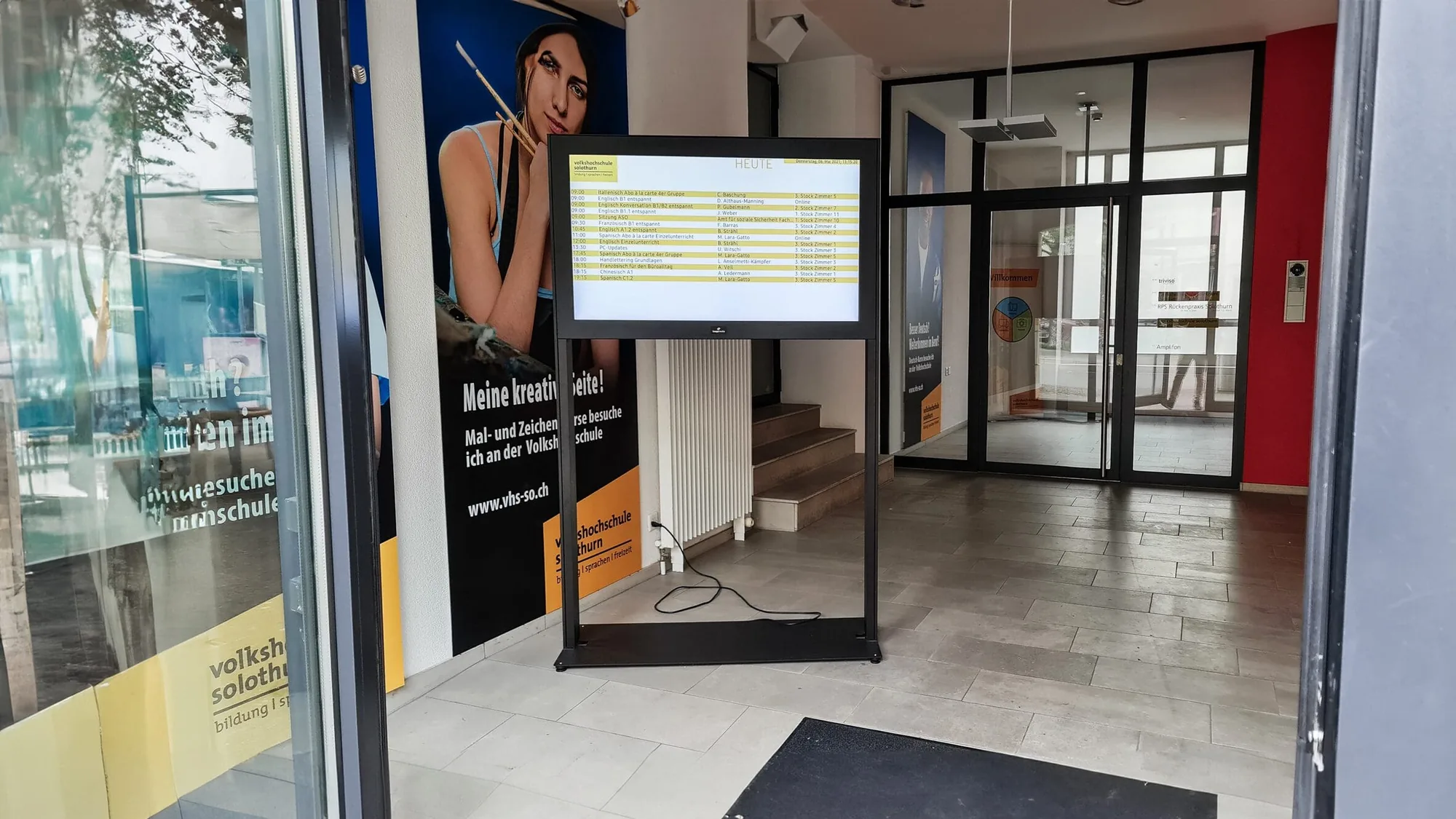
The Samsung Flip is a digital flipchart: a touch display on which you write with a pen and show content from your laptop. The current series is called WMFX, comes in four sizes from 55 to 85 inches and runs Tizen 9.0. The Flip is intended for meeting rooms and classrooms. The data sheet does not list a camera or microphone, so you need accessories for video conferencing.
What is the Samsung Flip?
The Flip is an interactive display that replaces the flipchart and whiteboard. You write directly on the screen with a passive pen, and two magnetic pens are included. The data sheet states 20 touch points with an external source and four people drawing at once in internal mode.
The image has a resolution of 3840 x 2160 pixels. Samsung states a brightness of 450 cd/m² (typical value, without glass) and an operating time of 12 hours on 7 days. The Flip can also be used in portrait orientation.
What is new in the WMFX series?
The WMFX replaces the Flip Pro. Samsung Germany announced the series as available immediately on 30 June 2026, and Netzwoche reported on the market launch on 6 July 2026. This is what has changed compared with the Flip Pro:
- Brightness of 450 instead of 350 cd/m²
- Tizen 9.0 with 8 GB of memory
- Operation similar to a PC, with multiple windows and a taskbar
- HDMI output instead of the Flip Pro's wireless screen output
- slimmer housing, and the 75 and 85-inch models have become lighter
You share content wirelessly via Miracast or SmartView+ with up to 9 devices. According to the data sheet, AirPlay 2 will come via a software update. Microsoft 365 runs in the browser, and there is also a whiteboard app.
Which sizes does the Samsung Flip come in?
The Flip WMFX comes in 55, 65, 75 and 85 inches. The models also differ in speakers and connections.
| Model | Size | Speakers | OPS slot |
|---|---|---|---|
| WM55FX | 55 inches | 2 x 15 W | no |
| WM65FX | 65 inches | 2 x 15 W | no |
| WM75FX | 75 inches | 4 x 10 W | yes |
| WM85FX | 85 inches | 4 x 10 W | yes |
On the 65-inch model, you will find an HDMI input and HDMI output, USB-A, USB-B for touch passthrough, Ethernet and RS-232C. On the 55 and 65-inch models, USB-C is only available via an optional tray and only with 15 W.
Can the Samsung Flip do video conferencing with Teams or Zoom?
Not on its own. The Flip WMFX data sheet lists neither a camera nor a microphone, so you need both as external devices for video conferencing. As far as we could see, Microsoft's list of devices certified for Teams Rooms on Android does not include a Samsung display. An official Teams or Zoom certification for the Flip is not confirmed. What a hybrid room needs besides the screen is covered in the article hybrid meeting rooms.
Samsung's Android range as an alternative
Alongside the Flip, Samsung offers interactive displays with Android and Google EDLA, meaning with Google Play. Samsung markets this range mainly to schools.
- WAF in 65, 75 and 86 inches: Android 14, no camera or microphone in the data sheet.
- WAFX-P in 65, 75 and 86 inches: Android 15, built-in camera with Auto Framing and cover, microphone with a 10 metre range, USB-C with up to 65 W and an OPS slot. You use Zoom or Microsoft Teams as apps from the Google Play Store.
- Announced: WAF-S and WAFX-PS with Android 16, and WAHX-M in 65, 75, 86 and, for the first time, 98 inches. Samsung presented these models at ISTELive 26 at the end of June 2026. The manufacturer gives no date for the market launch.
Before planning, check whether the model you want is available in Switzerland.
Who is the Flip for?
Samsung intends the Flip for the classroom or the meeting room. It suits rooms where the main activities are writing, sketching and presenting (as of November 2026):
- Meeting rooms and project rooms where no video conferencing is needed or external devices handle it
- Workshops and training sessions that have so far worked with a paper flipchart
- Classrooms where a touch whiteboard is enough. What else is needed is covered in the article planning a digital classroom
It is less suitable if Teams or Zoom meetings with several people on site take place regularly in the room. Then a board with a built-in camera and built-in microphone is the simpler solution.
Limits and requirements
- Tizen instead of Windows or Android: Microsoft 365 runs in the browser. Only the 75 and 85-inch models have an OPS slot.
- USB-C on the 55 and 65-inch models only via the optional tray. With 15 W, do not plan on it as a charging port for your laptop.
- Operating time according to the data sheet is 12 hours on 7 days. This means the Flip is not specified for continuous operation around the clock.
- For wireless sharing and updates, the Flip needs access to your network, via Wi-Fi or Ethernet.
What counts in planning and installation
Clarify the wall first. A large display needs a load-bearing surface, and lightweight partition walls often need reinforcement. Plan a power socket and a network socket behind the device. A cable to the network is more stable than Wi-Fi. Pay attention to the height so that everyone can reach the writing surface. If a camera and microphone are added later, acoustics matter. Hard, bare walls cause echo that even good microphones cannot fully compensate for. IMAGEMEDIA from Solothurn plans, supplies, installs and supports meeting room technology and digital signage throughout Switzerland.
More on this: meeting rooms and conference technology and interactive display or projector in the classroom.

In person
Philip Fiumi
Managing Director
Questions about Digital classrooms?
Write or call. We’ll advise you with no obligation and get back to you within one working day.
Matching service
More services.
More articles
News
Samsung MagicINFO is being discontinued: deadlines and the move to VXT
Samsung is replacing MagicINFO with the cloud CMS VXT. Which deadlines are documented, what VXT 4.0 can do and how to plan your migration.
Logitech Rally Bar 2: the new video bar and which bar suits which room
Logitech has unveiled the Rally Bar 2, successor to the Rally Bar and Rally Bar Mini. What is new and which Logitech bar belongs in which room.
Samsung Color E-Paper: the digital poster that needs almost no power
Samsung Color E-Paper holds an image without power and only needs energy when it changes. What the EM32DX and EM13DX can do, what they suit and where the limits are.