Meeting room
AI cameras in the meeting room: what IntelliFrame and others can really do
AI cameras show every person in the meeting room in their own frame. What is behind it, which platform and licence you need and where the limits lie.
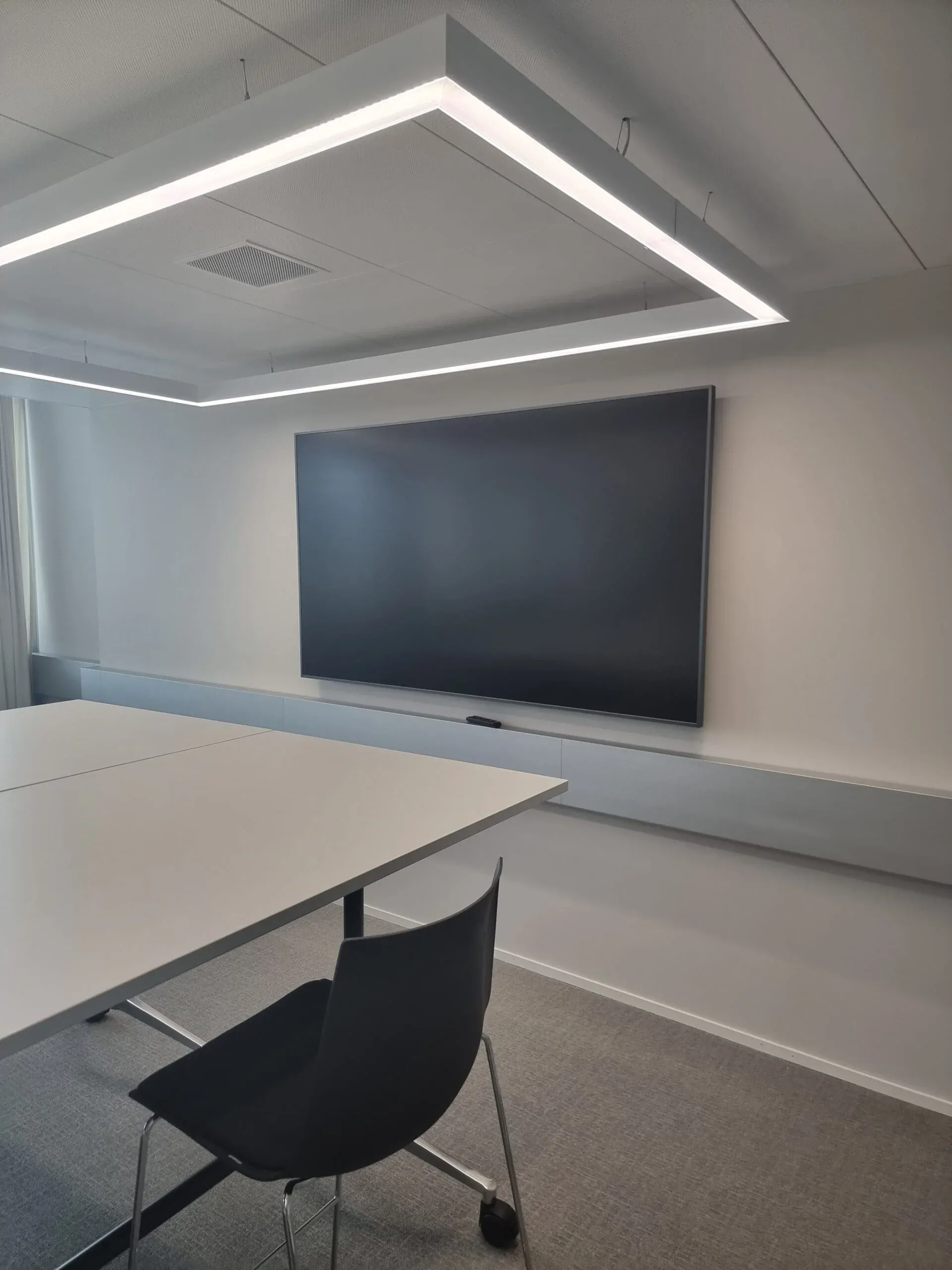
AI cameras in the meeting room split the room image into individual frames so that remote participants can recognise every face at the table. All the major vendors can do this today, but in two different ways. The simple one works practically everywhere, the more elaborate one only with a specific platform, licence and hardware (as of November 2026).
What does ‘every person in their own frame’ mean?
The camera or the cloud detects the people in the room and cuts a separate frame for each of them. There are two designs for this:
- One stream: the frames are combined into a single video image, for example as a grid. This approach works practically everywhere.
- Multiple streams: the camera delivers several video streams to the platform. This only works with a suitable platform, licence and a supported device.
What do you need for IntelliFrame in Microsoft Teams?
For IntelliFrame, you need Teams Rooms on Windows and the Teams Rooms Pro licence. Microsoft has two variants.
Cloud IntelliFrame calculates the individual frames in the cloud from a normal camera image. On listed cameras without their own AI, the feature is active automatically, and it can be enabled for other cameras. The individual frames can be seen in Teams Desktop on Windows and Mac, and only with nine or fewer people in the room.
Multi-Stream IntelliFrame requires a camera that delivers multiple streams. Teams then matches faces to profiles, shows name tags for up to 12 people and attributes speakers in the transcript. For this, people have to enrol their voice and face. With the Basic licence, there is only speaker and panorama view.
Which cameras show each participant individually?
Almost every manufacturer has its own feature for this. The differences lie in the design and the platform.
| Feature | Vendor | How it works | Important to know |
|---|---|---|---|
| Cloud IntelliFrame | Microsoft | Individual frames from the cloud | Teams Rooms on Windows, Teams Rooms Pro licence |
| Multi-Stream IntelliFrame | Microsoft | Multiple streams from the camera | Also a device listed by Microsoft |
| Multi-Stream | Zoom | Multiple streams from one camera | According to Neat, only in a licensed Zoom Room |
| RightSight 2, grid view | Logitech | Up to four tiles in one stream | Works between about 1 and 6 metres |
| DirectorAI | Poly | Group, person and speaker framing | Group shot with more than six people |
| IntelliFocus | Yealink | Close-ups of the most recent speakers, calculated in the device | MeetingBar A50, A25 and SmartVision 40 |
For Multi-Stream IntelliFrame, Microsoft lists the Jabra PanaCast 50, Lenovo ThinkSmart Bar 180, Yealink SmartVision 40 and 60 and the Yealink MVC S90 package. Logitech has introduced Multi-Stream for Teams Rooms on Windows as a beta. The devices are not on Microsoft's list. Whether certification has since been granted is open. Logitech's grid view is available on the Rally Bar 2, Rally Bar Huddle and MeetUp 2, among others.
Several cameras in the room: AI as the director
The next step is automatic switching between several cameras. Zoom calls this Intelligent Director: several cameras film and the AI chooses the best angle. According to Zoom, the feature is included in Zoom Rooms but currently only runs on Windows and Mac. Zoom names Yealink, AVer and HP Poly as hardware partners. At Logitech, the Sight table camera works together with the Rally Bar or Rally Bar Mini for this.
Poly has announced camera switching for VideoOS 5.1. Whether the version has shipped is open. Logitech holds out the prospect of RightSight 3 for the second half of 2027.
Where are the limits of AI cameras?
The limits lie in distance, number of people and platform. With Cloud IntelliFrame, people far away look blurred after the digital zoom. Logitech's grid view also works with digital zoom.
- Distance: Microsoft describes Cloud IntelliFrame as ideal for focus rooms and medium rooms, not for large ones.
- Number of people: Cloud IntelliFrame shows individual frames for up to nine people. Depending on the device, Neat switches to the overview with more than 8 or more than 15 people.
- Room shape: Poly limits framing with DirectorAI Perimeter to entered room dimensions. Yealink draws a virtual room boundary with Video Fence.
- Conflicts: if Cloud IntelliFrame is forced on any camera, other AI features such as speaker tracking or grid view must be switched off.
- View: in Zoom's speaker view, only the room image appears, not the close-ups.
- Data protection: Microsoft requires notice signs outside the room. Facial recognition needs a voluntary profile. The operator is responsible for local laws.
Who is an AI camera worth it for?
An AI camera is worth it when room size, platform and licence match the feature. Typical cases:
- Focus rooms and medium meeting rooms where all seats are close enough to the camera
- Companies with Teams Rooms on Windows and a Pro licence that want name tags and transcripts with speaker attribution
- Companies with licensed Zoom Rooms that want to use multiple streams or multiple cameras
- Rooms with changing platforms: here the single stream variant is the safe choice
According to Microsoft, Cloud IntelliFrame is not ideal for large rooms. What else belongs to a good room is covered in the article on hybrid meeting rooms.
What counts in planning and installation
Clarify the platform and licence first, then the device.
- Wall and camera: the camera only frames who it sees. Mount it so that no seat is hidden, and close to the eye level of the people seated.
- Power and network: sockets and a network connection belong behind the display.
- Acoustics: a good picture is of little use if the sound echoes. Dampen hard surfaces with curtains, carpet or acoustic panels.
IMAGEMEDIA from Solothurn plans, supplies, installs and supports meeting room technology and digital signage throughout Switzerland.
More on this: conference technology and IT and Pro AV.

In person
Philip Fiumi
Managing Director
Questions about Meeting rooms?
Write or call. We’ll advise you with no obligation and get back to you within one working day.
Matching service
More services.
More articles
News

Samsung MagicINFO is being discontinued: deadlines and the move to VXT
Samsung is replacing MagicINFO with the cloud CMS VXT. Which deadlines are documented, what VXT 4.0 can do and how to plan your migration.
Logitech Rally Bar 2: the new video bar and which bar suits which room
Logitech has unveiled the Rally Bar 2, successor to the Rally Bar and Rally Bar Mini. What is new and which Logitech bar belongs in which room.
Samsung Flip 2026: the new WMFX series and who it is worth it for
The Samsung Flip WMFX is a digital flipchart in four sizes from 55 to 85 inches. What is new, what it suits and why you need accessories for video conferencing.