Meeting rooms
Barco ClickShare 2026: Hub, Bar and CX series, which device for which room
The ClickShare Hub is a room system for Microsoft Teams Rooms, the CX series works with your laptop. The differences, the platforms and the limits at a glance.
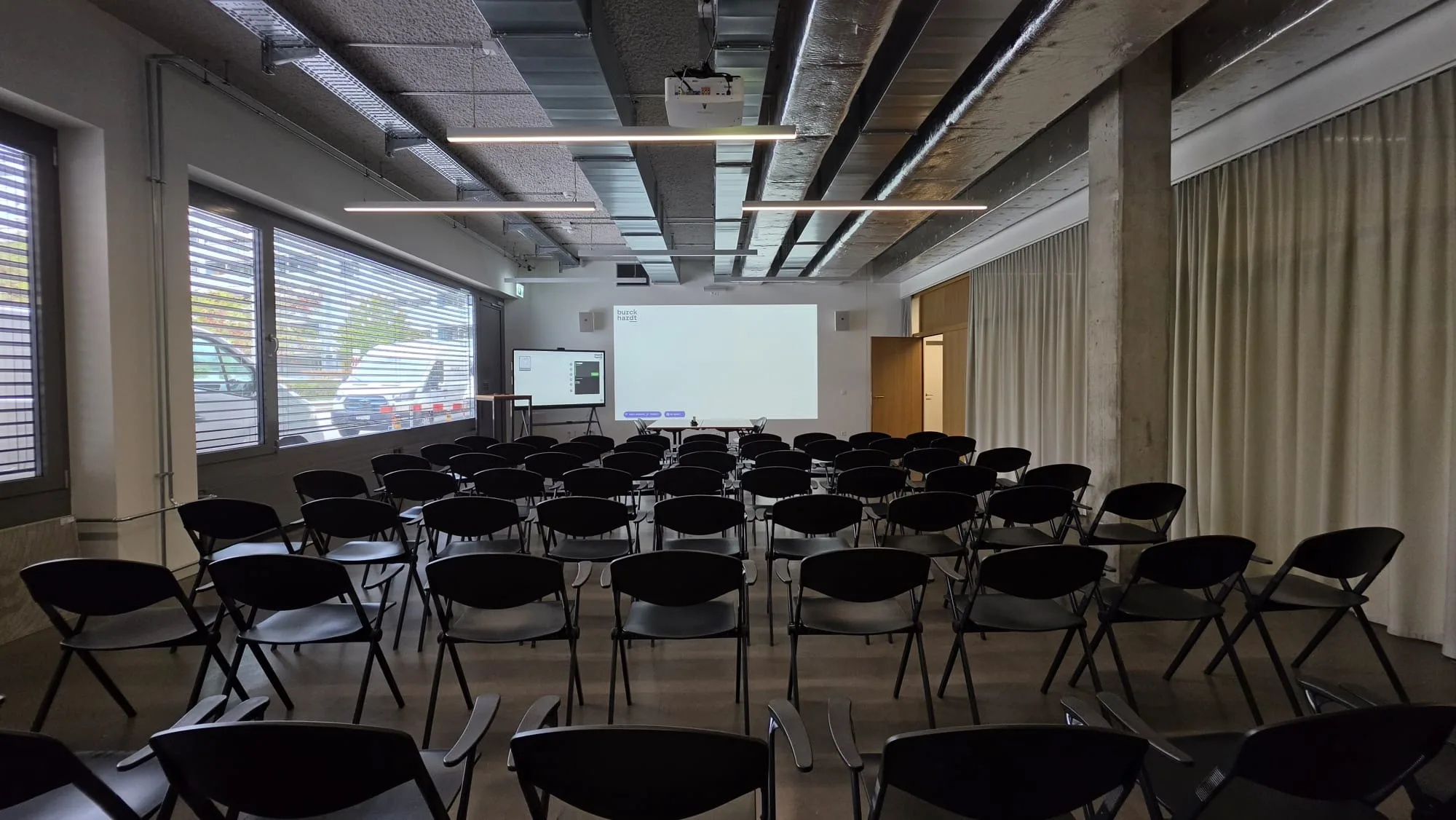
At the end of 2026, Barco offers ClickShare in four lines: the ClickShare Hub as a room system for Microsoft Teams Rooms, the CX series for meetings from your own laptop, the video bars and ClickShare Present. The new one is the Hub, available in Teams-certified bundles since January 2026. The choice depends on whether the room runs a fixed room system or everyone brings their own laptop. As of November 2026.
What is the ClickShare Hub?
The ClickShare Hub is a modular room system for Microsoft Teams Rooms. Barco announced it on 3 June 2025, and according to the trade press it has been on sale since January 2026. The device runs Android on the Microsoft Device Ecosystem Platform (MDEP). You start the meeting with a tap on the control panel.
There are two versions:
- Hub Core: one HDMI output up to 5120 x 2160 at 30 Hz, one HDMI input, one 5th generation Button, one source on screen at a time.
- Hub Pro: adds a second HDMI output for two screens and two Buttons.
Barco offers the Hub in bundles with cameras and audio from other manufacturers. The first certified bundles arrived on 7 January 2026 with the Sennheiser TeamConnect Bar S and M. Since 15 September 2026, the Hub Pro has been available in a bundle with the Huddly L1 and the Shure MXA902, a ceiling microphone with a built-in loudspeaker.
How do the Hub, CX series and Bar differ?
The Hub is itself the room system and works with Microsoft Teams. With the CX series, the meeting runs on your own laptop and you are free to choose the platform. The ClickShare Bar is a video bar with camera, microphones and loudspeakers in one device.
| Device | Intended for | Buttons and sources | Special features |
|---|---|---|---|
| Hub Core | Teams Rooms room with one screen | 1 Button, 1 source | Android on MDEP, Teams Rooms licence required |
| Hub Pro | Teams Rooms room with two screens | 2 Buttons | second HDMI output |
| CX-20 | small rooms, huddle spaces | 1 Button, 1 source | no touch functions |
| CX-30 | small to medium rooms | 2 Buttons, 2 sources | touchback, annotation, blackboarding |
| CX-50 2nd generation | demanding rooms, boardrooms | 2 Buttons, 2 sources | HDMI 2.1 with 4K at 60 Hz, two screens, 2.5 Gbit LAN |
| Bar Core | small rooms | 1 Button | 4K camera with 120 degree field of view, 6 microphones, 2 x 10 W loudspeakers |
According to Barco, the Hub shares content wirelessly in 4K, the CX series in 1080p. The manufacturer gives a 3 year warranty on the Hub and 5 years on the CX series with SmartCare. According to Barco, the Bar Pro also adds AI speaker framing, touchback, annotation and a wired Roomdock for 4K content.
How does wireless presenting work with the Button and app?
The ClickShare Button plugs into the laptop and sends its picture wirelessly to the screen in the room. The 5th generation Button that comes with the Hub works with Wi-Fi 6E, USB-C with DisplayPort and 4K. According to the trade press, it needs no software installation on the laptop. Barco states a range of up to 30 metres.
Without a Button, you use the ClickShare App. For the CX-20 and CX-30 the app is available for desktop and mobile devices, for the Hub only for desktop. The CX devices also accept AirPlay, Google Cast and Miracast. Whether the new Button also works with the CX series is not confirmed.
Does ClickShare work with Teams, Zoom and Google Meet?
With the CX series, yes: Barco lists Teams, Zoom, Google Meet and Webex. The Hub, by contrast, is a Teams Rooms system. You can only use other platforms there via Wireless BYOD: you start the Zoom, Webex or Google Meet meeting on your laptop and use the room's camera, microphone and screen.
Which device suits whom?
- Hub Core and Hub Pro: businesses that work with Microsoft Teams and want a fixed room system.
- CX-20: small rooms and huddle corners where one person presents at a time.
- CX-30: small to medium rooms where two sources need to be visible at once or where people work on content at the touchscreen.
- CX-50 2nd generation: demanding rooms such as boardrooms. People and content run on two separate screens, and the device carries the ANSSI-CSPN security certification.
- Bar Core: small rooms that need camera, microphones and loudspeakers in one device. The microphones reach no more than 4 metres.
Limits and requirements
- The Hub always requires a Microsoft Teams Rooms licence.
- The basic Hub Core package lacks the control panel and power supply. There is a kit with a control panel.
- According to Barco, connecting room peripherals via the wired connection on the Hub is only announced so far ("coming soon").
- On the CX-20 and CX-30, video output via USB-C is only available in hardware revision Gen2.
- Barco's documents contain no explicit statement on availability in Switzerland. The data sheets carry the CE marking.
What matters in planning and installation
First clarify where the screen will hang and where the device gets power and network. The Hub has a 1 Gbit LAN port and Wi-Fi in the 2.4, 5 and 6 GHz bands. Discuss the integration with IT early on, more on this under network and media technology. With bundles including a camera and ceiling microphone, seating layout, ceiling construction and room acoustics also matter. IMAGEMEDIA from Solothurn plans, supplies, installs and supports meeting room technology and digital signage throughout Switzerland.
More on this: meeting room technology and hybrid meeting rooms: why the camera is rarely the problem.

In person
Philip Fiumi
Managing Director
Questions about Meeting rooms?
Write or call. We’ll advise you with no obligation and get back to you within one working day.
Matching service
More services.
More articles
News

Samsung MagicINFO is being discontinued: deadlines and the move to VXT
Samsung is replacing MagicINFO with the cloud CMS VXT. Which deadlines are documented, what VXT 4.0 can do and how to plan your migration.
Logitech Rally Bar 2: the new video bar and which bar suits which room
Logitech has unveiled the Rally Bar 2, successor to the Rally Bar and Rally Bar Mini. What is new and which Logitech bar belongs in which room.
Samsung Flip 2026: the new WMFX series and who it is worth it for
The Samsung Flip WMFX is a digital flipchart in four sizes from 55 to 85 inches. What is new, what it suits and why you need accessories for video conferencing.