Meeting rooms
Microsoft Teams Rooms at the end of 2026: what is new and what your room needs
Facilitator takes notes, Interpreter translates live, old devices drop out of support. What has changed in Teams Rooms in 2026.
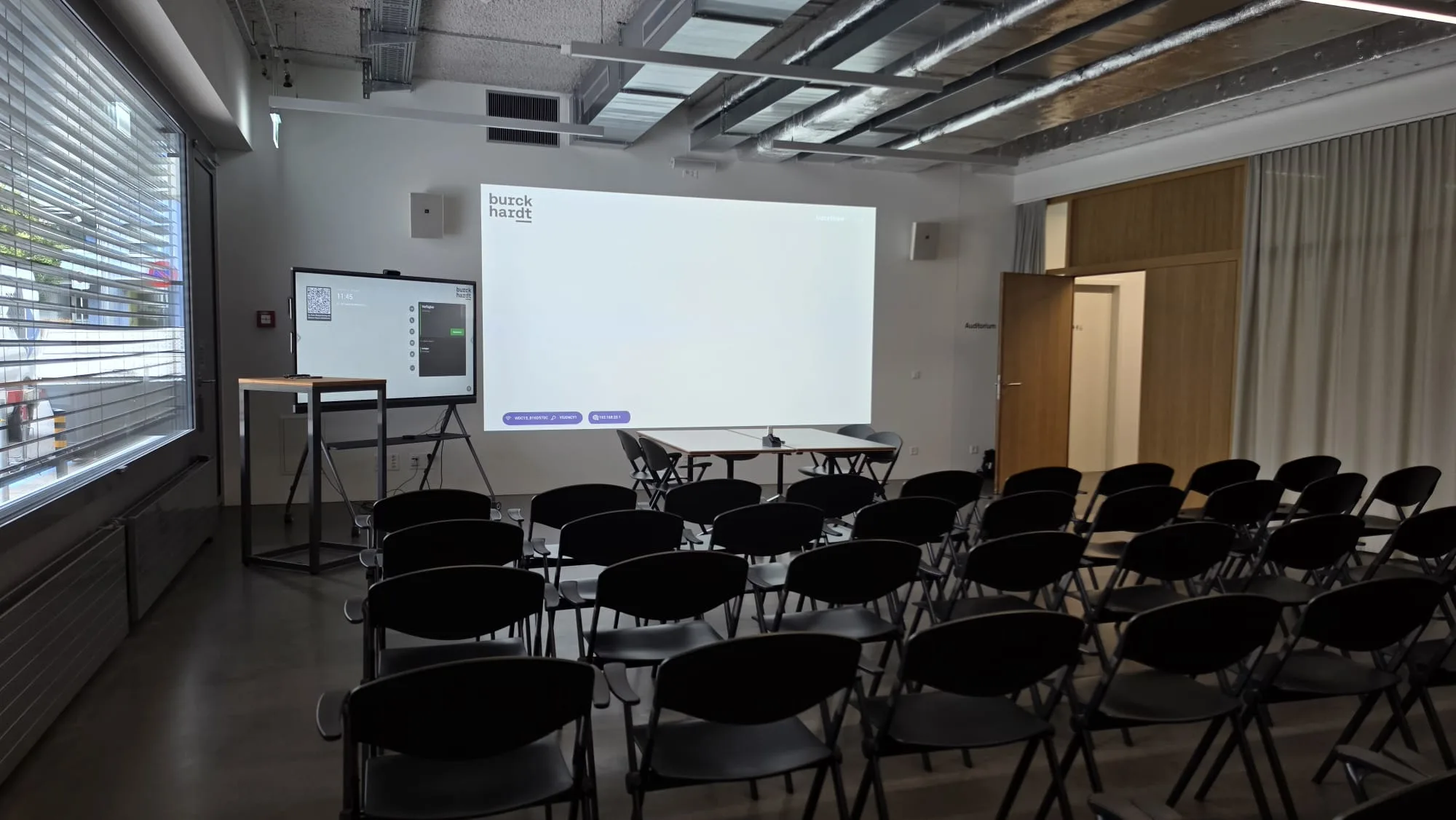
Microsoft Teams Rooms is Microsoft's room system for meeting rooms. It runs on Windows or Android and needs its own licence, Basic or Pro. In 2026, the main additions were AI features: Facilitator takes notes, Interpreter translates live. At the same time, older devices lost their support or their certification. This article shows the situation as of November 2026.
What is Microsoft Teams Rooms?
Teams Rooms turns the meeting room into a participant of its own in Teams. The room has a room account and is operated via a console. Microsoft counts scheduling meetings, joining, sharing content and the whiteboard among the core features. Shared meeting devices need a Teams Rooms licence. User licences from Microsoft 365 are not permitted for this.
Teams Rooms on Windows or Android?
Both versions are current and receive new features, but not always at the same time. Microsoft named Interpreter and two-way Direct Guest Join with Google Meet first for Windows at ISE 2026. For Android, both have appeared in the release notes since September 2026.
In operation, the versions differ as follows:
- Windows: Windows 11 25H2 (recommended) and 24H2 are supported. Only the Windows IoT Enterprise or Enterprise editions are permitted. Since app version 5.7.112.0 of 28 September 2026, updates only come via the Pro Management Portal, no longer via the Microsoft Store.
- Android: how long a device stays certified depends on its Android version.
BYOD room or fixed room?
A fixed room has a Teams Rooms system with a room account. A BYOD room has no room computer: you bring your laptop and use the room's devices. For this, Teams Desktop now has Room optimization mode, which replaces Shared display mode.
Microsoft now manages BYOD rooms in the Pro Management Portal. Peripherals are automatically detected and assigned to the room once at least five different internal users have used them. This requires a room account that can be booked via Exchange and is visible in the address book. To access the portal, your business needs at least one Pro, Premium or Shared Device licence.
What is new in Teams Rooms in 2026?
The biggest changes concern AI notes, live translation and Google Meet. There are also smaller improvements to the console.
- Facilitator: AI notes also for in-person meetings without a scheduled meeting. You start them with "Take notes" on the console, and the notes appear on the room screen. Microsoft gives the rollout on Windows as end of October to mid November 2026, on Android as early November to early December 2026.
- Interpreter: live translation in the room. On Android, 20 hours per room account per month are included.
- Google Meet: two-way Direct Guest Join.
- Windows: local control of PTZ cameras on the console, Miracast for Windows touch boards and ad hoc room reservation. Together Mode has been discontinued.
- Teams Panels: digital signage when idle, since July 2026.
Facilitator's notes are stored in your business's SharePoint Embedded storage. If nobody adds their account, they are deleted. As a preview, Microsoft showed voice-controlled Facilitator skills and name tags with IntelliFrame in June 2026.
Which licence does the room need: Basic or Pro?
Teams Rooms Basic is enough for the core features, but for many of the new features you need Teams Rooms Pro. Basic is limited to a maximum of 25 licences per organisation and does not apply to Teams Panels. Pro adds, among other things, Front Row, two screens, meeting chat, multi-camera operation, AI noise suppression, remote configuration and device analytics. Facilitator, Interpreter, Miracast and ad hoc reservation require Pro. The legacy Standard and Premium licences continue until their expiry date.
What happens to old devices?
- Windows 10: support ended on 14 October 2025, including with ESU. Devices that cannot run Windows 11 must be replaced.
- Surface Hub v1 and 2S with Windows 10 Team: the Teams Rooms app has no longer been usable since 14 October 2025.
- Android 10 and 11: certification ended on 3 September 2026. Microsoft still supports these devices until 3 September 2027.
- Android 12 and 13: certified until 15 August 2028, supported until 15 August 2030.
- Android 14 and 15: certified until 4 October 2028 and until 15 October 2029.
For the Windows app, Microsoft supports the current and the previous major version.
What suits whom?
- BYOD room: rooms where everyone works with their own laptop and there should be no room computer.
- Teams Rooms with Basic: businesses with few rooms for whom scheduling, joining, sharing and the whiteboard are enough.
- Teams Rooms with Pro: rooms with two screens or several cameras and businesses that want to use AI notes, translation or remote management.
What matters in planning and installation
First check what you already have: which Windows or Android version runs on the devices, and how long is the certification still valid? Then come the room account, licence and network, ideally together with IT, see network and media technology. In the room itself, screen size, camera position, power connections and acoustics matter. For AI notes and translation, the audio in the room has to be right. IMAGEMEDIA from Solothurn plans, supplies, installs and supports meeting room technology and digital signage throughout Switzerland.
More on this: meeting room technology and hybrid meeting rooms: why the camera is rarely the problem.

In person
Philip Fiumi
Managing Director
Questions about Meeting rooms?
Write or call. We’ll advise you with no obligation and get back to you within one working day.
Matching service
More services.
More articles
News

Samsung MagicINFO is being discontinued: deadlines and the move to VXT
Samsung is replacing MagicINFO with the cloud CMS VXT. Which deadlines are documented, what VXT 4.0 can do and how to plan your migration.
Logitech Rally Bar 2: the new video bar and which bar suits which room
Logitech has unveiled the Rally Bar 2, successor to the Rally Bar and Rally Bar Mini. What is new and which Logitech bar belongs in which room.
Samsung Flip 2026: the new WMFX series and who it is worth it for
The Samsung Flip WMFX is a digital flipchart in four sizes from 55 to 85 inches. What is new, what it suits and why you need accessories for video conferencing.