Technology
OLED burn-in: how big the risk is and how to avoid it
Burn-in is the most common worry before buying an OLED TV. What happens in the panel, who is really affected, which protective functions are built in and when Mini-LED is the better choice.
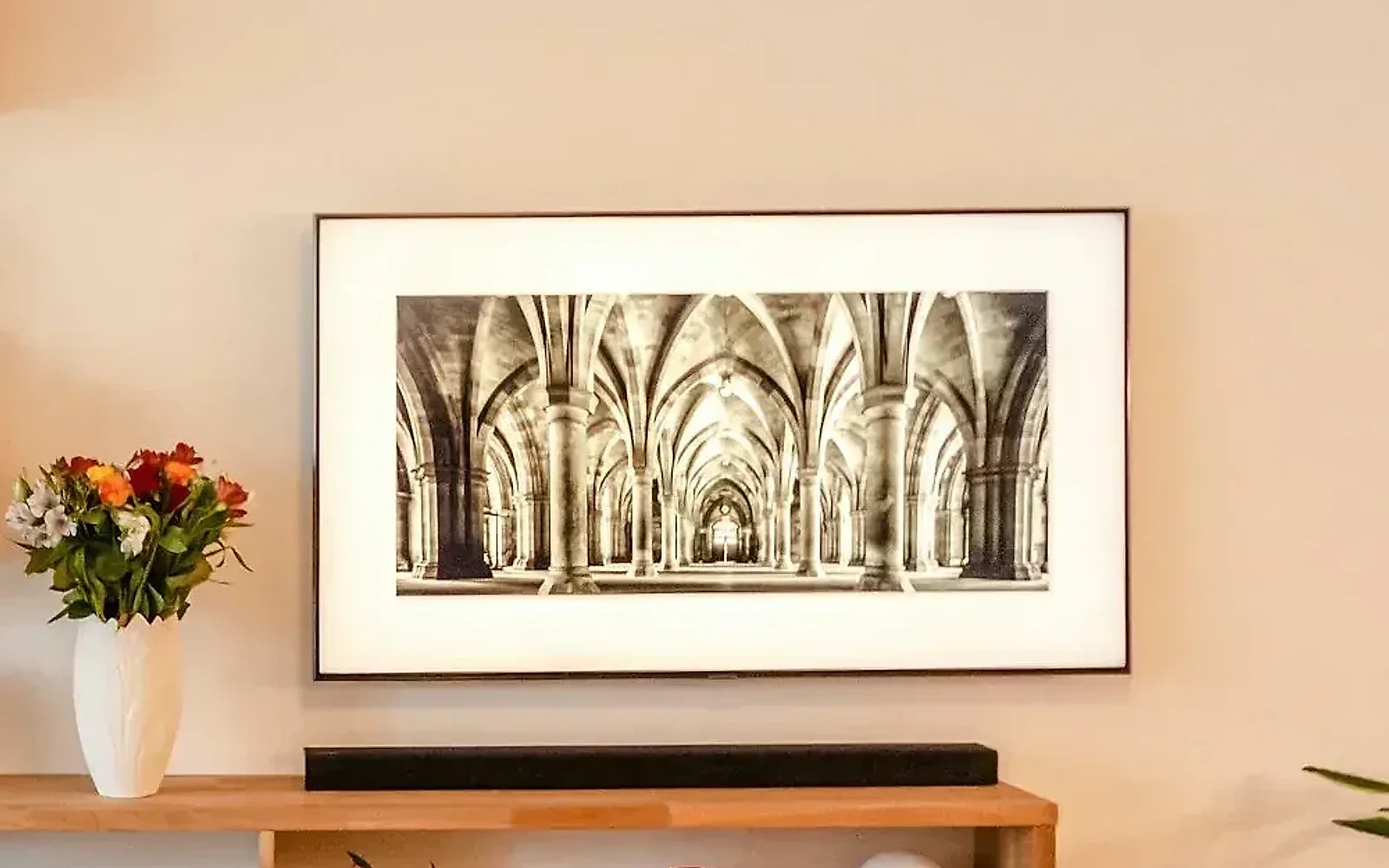
OLED TVs deliver the best black and the highest contrast. Even so, the same question almost always comes up before buying: "Won't the picture burn in?" The short answer: with normal, mixed viewing the risk is low. If you show the same static image for many hours every day, you should take a closer look.
What does burn-in mean?
In an OLED, every pixel lights up by itself. The organic light-emitting materials age with every hour of use and slowly lose brightness. As long as all pixels are used to a similar degree, you won't notice. But if one spot shows the same bright element for a very long time, it ages faster than its surroundings. The element then stays visible as a shadow, even when a different picture is on. This damage is permanent.
Burn-in or image retention?
Not every shadow is burnt in. After a long evening of gaming or a static image, an outline can stay visible for a few minutes. This image retention disappears by itself, at the latest after the TV's next maintenance cycle. Only when a shadow remains after several days and maintenance cycles is it burnt in.
Who is at risk?
The critical cases are bright, static parts of the picture that sit in the same place for many hours day after day:
- News and sports channels with a ticker and channel logo, if they run all day.
- Games with a fixed display at the edge of the screen, if you mainly play one single game for months.
- The TV as a computer monitor with taskbar and window frames.
- Information screens in shops, practices and restaurants.
Normal everyday use is not critical: films, series, changing channels, streaming, a console now and then.
What does the TV do about it by itself?
Current OLED sets have several protective functions built in:
- Pixel shift: The picture moves imperceptibly by a few pixels so that edges don't always fall on the same pixels.
- Logo dimming: The TV detects static logos and lowers the brightness there.
- Maintenance cycle: After a few hours of use, the set evens out the pixels while in standby. It needs power for this.
- Screen saver: If a menu or a paused picture stays up too long, the TV dims.
What can you do yourself?
- Switch the TV off with the remote and don't cut the power with a power strip. Otherwise the maintenance cycle can't run.
- Leave the protective functions switched on in the menu.
- Match the brightness to the room. In the evening you don't need full output, and less brightness means less ageing.
- If one channel runs all the time, change the programme now and then.
- Games: where possible, set the display at the edge of the screen to transparent or hide it.
Does the warranty cover burn-in?
Every manufacturer handles this differently, and the conditions vary by model series. Before you buy, ask whether burn-in is included in the warranty and for how long. In our consultation we clarify this for the set you are considering.
When is Mini-LED the better choice?
Mini-LED TVs work with a backlight and don't suffer from burn-in. They are the better choice if the TV shows the same channel for many hours every day, serves as a monitor or stands in a very bright room. For film nights in subdued light, OLED stays ahead. You'll find the full comparison in the article OLED, QLED or Mini-LED: which is better? How long the different technologies last is covered in the article How long does a TV last?
Conclusion
Burn-in exists, but it mainly affects sets that are used in a one-sided way over a long time. If your viewing is mixed and you leave the TV in standby, you hardly need to worry. If you know that the same static image runs for hours at your place, you'll be more relaxed with Mini-LED.
More on this: TV advice at home and TV setup and calibration.

In person
Philip Fiumi
Managing Director
Questions about Advice?
Write or call. We’ll advise you with no obligation and get back to you within one working day.
More articles
News
Setting up a new TV: eight steps to a good picture and sound
Unpack, connect, scan for channels and done? Eight steps get you a lot more: from the right HDMI input and the privacy prompts to the picture mode.

TV size in inches to cm: table with width and height from 32 to 100 inches
How many centimetres are 55, 65, 77 or 100 inches? A table with diagonal, width and height, the conversion from cm to inches and what you need to allow extra for furniture, wall and transport.
HDR, nits, VRR, eARC: TV terms explained in plain language
Manufacturers' spec sheets read like a puzzle. We translate the most important terms and tell you which ones really matter when buying.