Dimensions
TV size in inches to cm: table with width and height from 32 to 100 inches
How many centimetres are 55, 65, 77 or 100 inches? A table with diagonal, width and height, the conversion from cm to inches and what you need to allow extra for furniture, wall and transport.
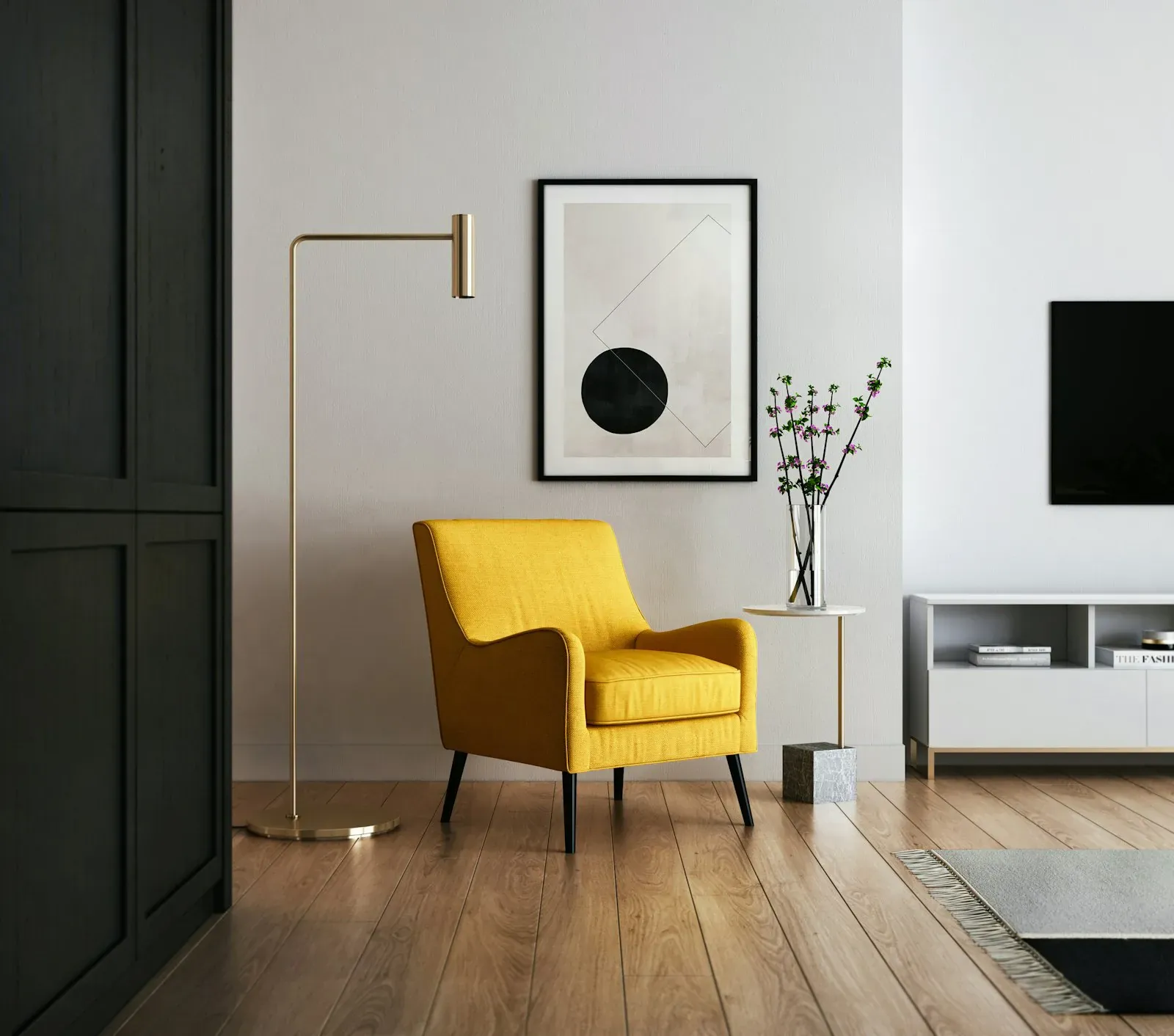
The size of a TV is printed on the box in inches, but you measure the furniture and the wall in centimetres. On top of that, the inch figure describes the diagonal, not the width. Here you'll find both: the conversion and the dimensions of the screen area for all common sizes.
How do you convert inches to cm?
One inch is 2.54 centimetres. So the sum is: inches × 2.54 = diagonal in cm. A 65-inch TV has a screen diagonal of 165 cm.
The diagonal doesn't tell you the width yet. TVs have a 16:9 format, which gives you:
- Width = diagonal × 0.87
- Height = diagonal × 0.49
At 65 inches that is 144 cm in width and 81 cm in height.
Table: inches to cm with width and height
The figures apply to the screen area in 16:9 format.
| Size | Diagonal | Width | Height |
|---|---|---|---|
| 32 inch | 81 cm | 71 cm | 40 cm |
| 40 inch | 102 cm | 89 cm | 50 cm |
| 42 inch | 107 cm | 93 cm | 52 cm |
| 43 inch | 109 cm | 95 cm | 54 cm |
| 48 inch | 122 cm | 106 cm | 60 cm |
| 50 inch | 127 cm | 111 cm | 62 cm |
| 55 inch | 140 cm | 122 cm | 69 cm |
| 58 inch | 147 cm | 128 cm | 72 cm |
| 65 inch | 165 cm | 144 cm | 81 cm |
| 70 inch | 178 cm | 155 cm | 87 cm |
| 75 inch | 191 cm | 166 cm | 93 cm |
| 77 inch | 196 cm | 171 cm | 96 cm |
| 83 inch | 211 cm | 184 cm | 103 cm |
| 85 inch | 216 cm | 188 cm | 106 cm |
| 98 inch | 249 cm | 217 cm | 122 cm |
| 100 inch | 254 cm | 221 cm | 125 cm |
How many inches are 125, 138 or 189 cm?
The other way round: cm ÷ 2.54 = inches. Data sheets and online shops often give a centimetre figure that is slightly below the rounded inch value, because the visible screen area is measured. This is how to match the figures:
| Figure in cm | Size |
|---|---|
| 80 to 81 cm | 32 inch |
| 100 to 102 cm | 40 inch |
| 106 to 109 cm | 42 or 43 inch |
| 121 to 123 cm | 48 inch |
| 125 to 127 cm | 50 inch |
| 138 to 140 cm | 55 inch |
| 163 to 165 cm | 65 inch |
| 189 to 191 cm | 75 inch |
| 195 to 196 cm | 77 inch |
| 209 to 211 cm | 83 inch |
| 214 to 216 cm | 85 inch |
| 247 to 249 cm | 98 inch |
| 254 cm | 100 inch |
What comes on top of the screen area?
The table shows the picture, not the set. For planning you need three allowances:
- Bezel: Current sets are only about one centimetre larger than the picture all round.
- Stand: It makes the TV taller and needs surface space. On many models the feet sit far out to the sides, so the furniture has to be almost as wide as the set. You'll find the exact measurement in the data sheet under "Dimensions with stand".
- Depth and distance from the wall: On the wall, what counts is the depth of the set plus the bracket. Flat brackets add little, swivel brackets considerably more.
Will the TV fit through the stairwell?
From 77 inches up, it's worth looking at the route into your home. The box is considerably larger than the set on every side, and a TV is carried upright, never lying flat. So measure the tightest spot beforehand: lift, turn in the stairs, door frame. At 98 and 100 inches, this check belongs before the order.
Which size is the right one?
The dimensions tell you what fits on the wall and on the furniture. Which diagonal suits your sofa depends on the seating distance. You'll find the rule of thumb and a table in the article Which TV size for which seating distance?
A practical tip: mark the width and height from the table on the wall with masking tape. In two minutes you'll see how the size looks in the room.
More on this: TV advice at home and TV wall mounting.

In person
Philip Fiumi
Managing Director
Questions about SEO / SEA?
Write or call. We’ll advise you with no obligation and get back to you within one working day.
Matching service
More services.
More articles
News
OLED burn-in: how big the risk is and how to avoid it
Burn-in is the most common worry before buying an OLED TV. What happens in the panel, who is really affected, which protective functions are built in and when Mini-LED is the better choice.
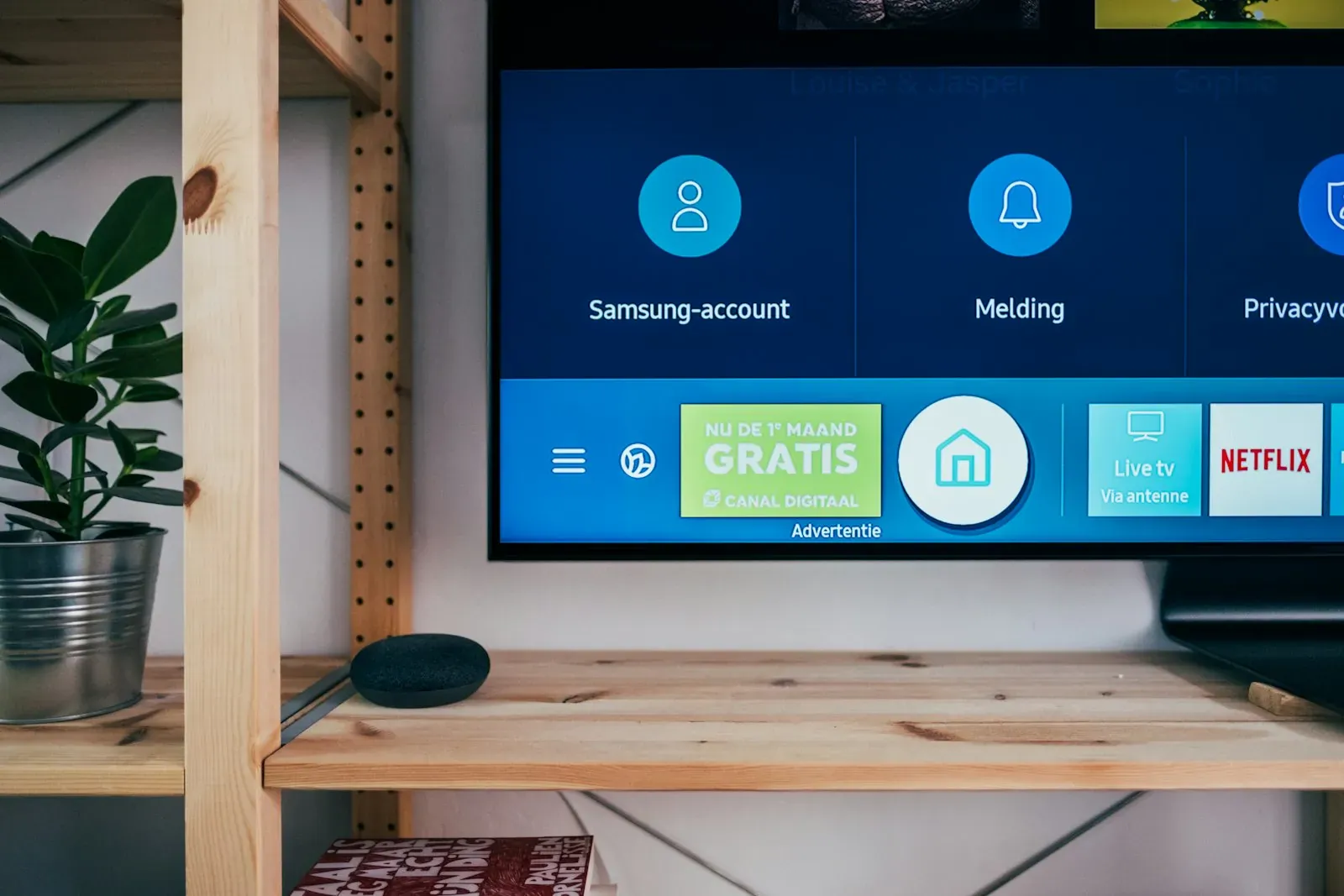
Setting up a new TV: eight steps to a good picture and sound
Unpack, connect, scan for channels and done? Eight steps get you a lot more: from the right HDMI input and the privacy prompts to the picture mode.
HDR, nits, VRR, eARC: TV terms explained in plain language
Manufacturers' spec sheets read like a puzzle. We translate the most important terms and tell you which ones really matter when buying.