Smart TV
webOS, Tizen, Google TV, Fire TV: the system inside the television
A television is a computer with an operating system – and that decides apps, speed and advertising. A comparison of the systems, and whether a box is the better choice.
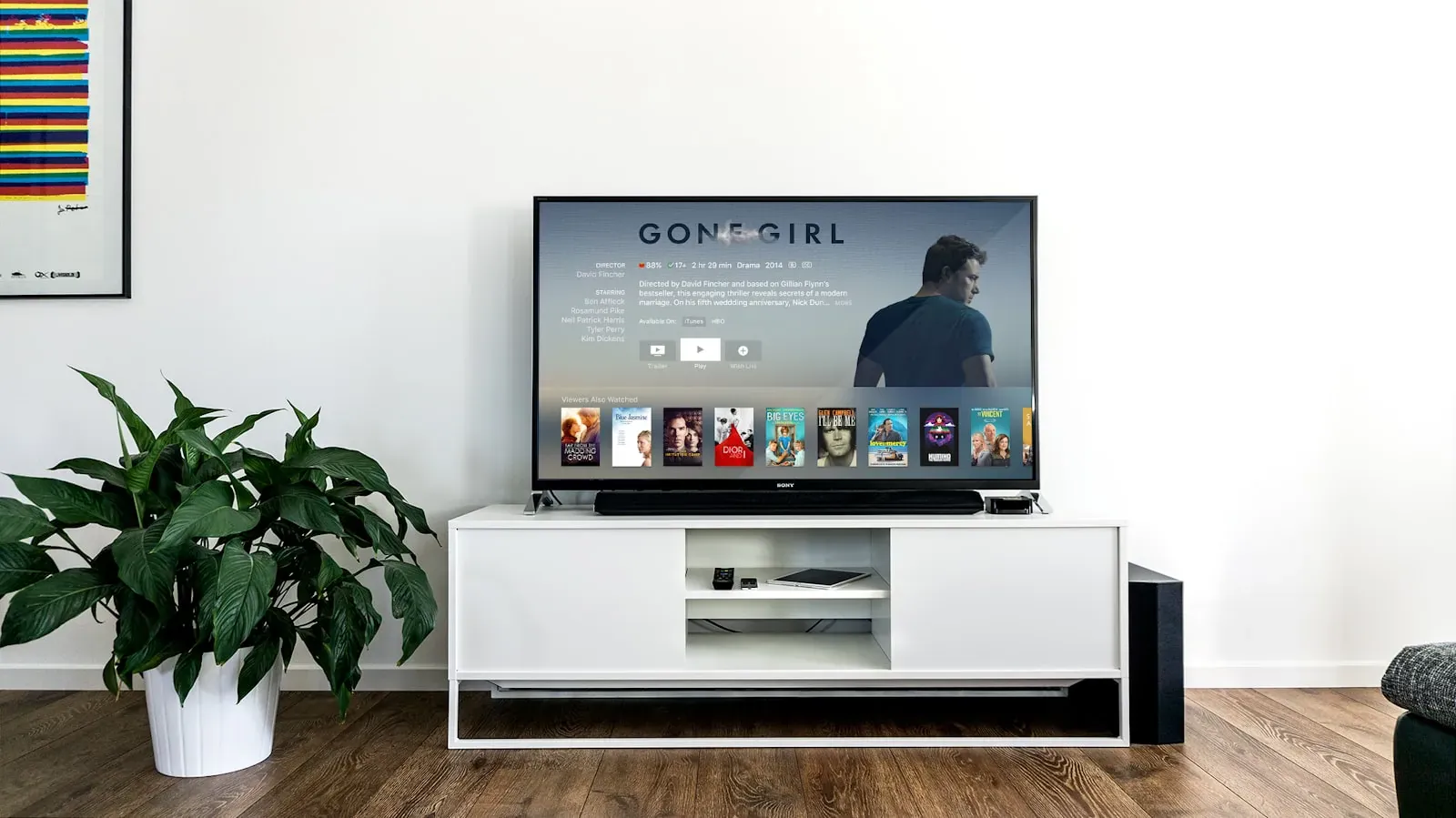
When buying a television, everyone talks about the panel and hardly anyone about the software. Yet the operating system determines how quickly the Netflix app starts, whether your Swiss TV provider's app exists at all and how much advertising sits on the home screen. The systems at a glance.
webOS (LG)
Fast, clear, with a remote that points like a mouse. The important apps are there, the Swiss providers too. The home screen has become busier in recent years, but can be tidied up. LG supplies updates for several years.
Tizen (Samsung)
The most extensive system, with the largest choice of apps and its own offering of free channels. Operation is about as fast as LG's; the home page carries the most advertising. Samsung sets understand Apple AirPlay and work well with Samsung's own SmartThings ecosystem.
Google TV (Sony, Philips, TCL, Hisense)
Google TV brings the Play Store and with it almost every app, plus Chromecast and the Google Assistant. Recommendations and advertising are a central part of the interface; anyone who does not want that can choose the "Apps only" mode. On cheap sets Google TV is sometimes sluggish – the hardware makes the difference, not the system.
Fire TV (Panasonic, Amazon devices)
Amazon's system has a large choice of apps and Alexa built in. Prime Video takes centre stage; the home screen is heavy on advertising. Panasonic has used it in its OLED models since 2024 and thereby solved its formerly weak app selection.
Titan OS and VIDAA
Philips uses Titan OS on some of its models, Hisense uses VIDAA. Both are lean and fast, but have a smaller choice of apps. Before buying, check that your TV provider's app is available.
The alternative: a box
Anyone who wants to be independent of the television's software attaches a box: Apple TV 4K is the fastest and ad-free option, with very good picture quality and apps for all Swiss providers; the Google TV Streamer and Fire TV Stick are cheaper. The television is then used only as a screen, all apps run on the box – still smooth after years, when the built-in system has long stopped receiving updates.
What counts day to day
- Are the apps you use daily there? Above all your TV provider and the media libraries.
- How long are updates provided? Longer with premium brands than with cheap ones.
- How quickly does an app start? Try it in the shop.
- Can advertising be hidden or the home screen adapted?
- Does voice control work in your language – including Swiss place names?
Our practice: on a new premium television the built-in system is enough for the first few years. On older sets, or when everything should be operated from one hand, an Apple TV box is the best addition – it also controls soundbar and television with a single remote.
More articles
News
HDR, nits, VRR, eARC: television terms explained clearly
Manufacturers' data sheets read like a riddle. We translate the most important terms – and say which ones really count when buying.
Which TV size for which seating distance? The rules of thumb
The right screen diagonal depends on seating distance and resolution, not on the shelf in the shop. Rules of thumb, a table and the limit beyond which a projector makes more sense.
OLED, QLED or Mini-LED: which television for which room
The technology inside the television decides less than the room it hangs in. A decision aid by lighting conditions.