120 Hz · latency · seating
Gaming
The television can do more, when it is set up properly.
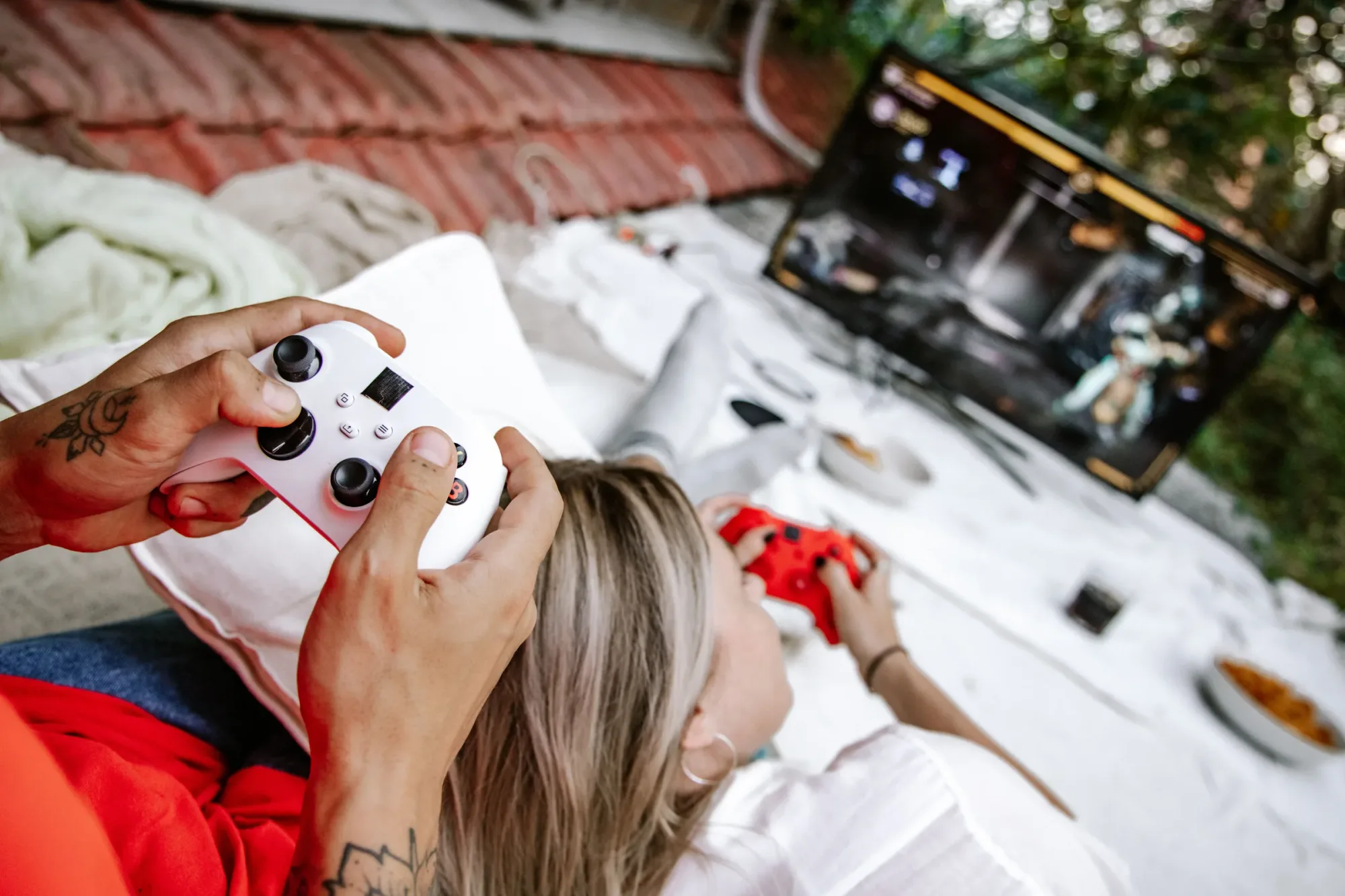
IMAGEMEDIA HOME sets up gaming setups: televisions and monitors with 120 Hz and low latency, PlayStation, Xbox and PC cleanly cabled, HDMI 2.1 plugged in correctly, sound via soundbar or headphones, seating and light coordinated.
Many televisions can do 120 frames per second and a game mode with very low lag, but both are often switched off from the factory. We unlock what your device can do, plug the consoles into the right port and set picture and sound separately for games.
We also plan the space: viewing distance, light behind the screen against tired eyes, cables in the furniture instead of on the floor, headphones for late rounds without arguments in the house.
Service
What you get.
120 Hz & VRR
HDMI 2.1 plugged in correctly, game mode and variable refresh rate active.
Low latency
Input lag measured and minimised, noticeably more direct.
Sound for games
Soundbar, system or wireless headphones without delay.
Space & light
Viewing distance, bias lighting, cables invisible in the furniture.
Process
How we work.
- Step 1
A look at your home
We come by, listen and look at the room, light and furnishings.
- Step 2
Proposal
You receive a proposal with devices, placement and a fixed price.
- Step 3
Installation
Mounting, cabling, setup, clean and in one appointment.
- Step 4
Introduction
We explain everything until it feels natural. After that: support.

In person
Philip Fiumi
Managing Director
Questions about Gaming?
Write or call. We’ll advise you with no obligation and get back to you within one working day.
FAQ
Frequently asked questions.
Can you really notice the difference?
Clearly in fast games. Switching from standard to game mode halves the lag on many devices, and 120 Hz makes movements visibly smoother.
Is a monitor worth it instead of a television?
For the desk and competitive play yes, in the living room rarely. Modern OLED televisions are very good gaming devices today.
Which TV is best for gaming?
One with HDMI 2.1, 120 Hz, VRR and automatic game mode (ALLM). Many mid-range and premium TVs from LG, Samsung and Sony offer this, OLED models in particular. What matters is that the port your console is plugged into supports 120 Hz.
How do I set up my TV for gaming?
Plug the console into an HDMI 2.1 port, enable the enhanced signal for that port (Samsung calls it Input Signal Plus, LG HDMI Ultra HD Deep Colour), switch on game mode and enable 120 Hz and VRR on the console. Then calibrate HDR once on the console.
Do I need a special HDMI cable for 120 Hz?
Yes, an Ultra High Speed HDMI cable rated at 48 Gbit/s. Older cables often only manage 60 Hz at 4K or cause brief picture dropouts.
Home TV
More services.
Background reading
News
Let's talk about your project.
Tell us briefly what you have in mind. We will get back to you within one working day.