Settings
Setting up the television properly: ten minutes for a better picture
Out of the box, televisions show a picture for the shop, not for the living room. Which settings you should change – and which to leave alone.
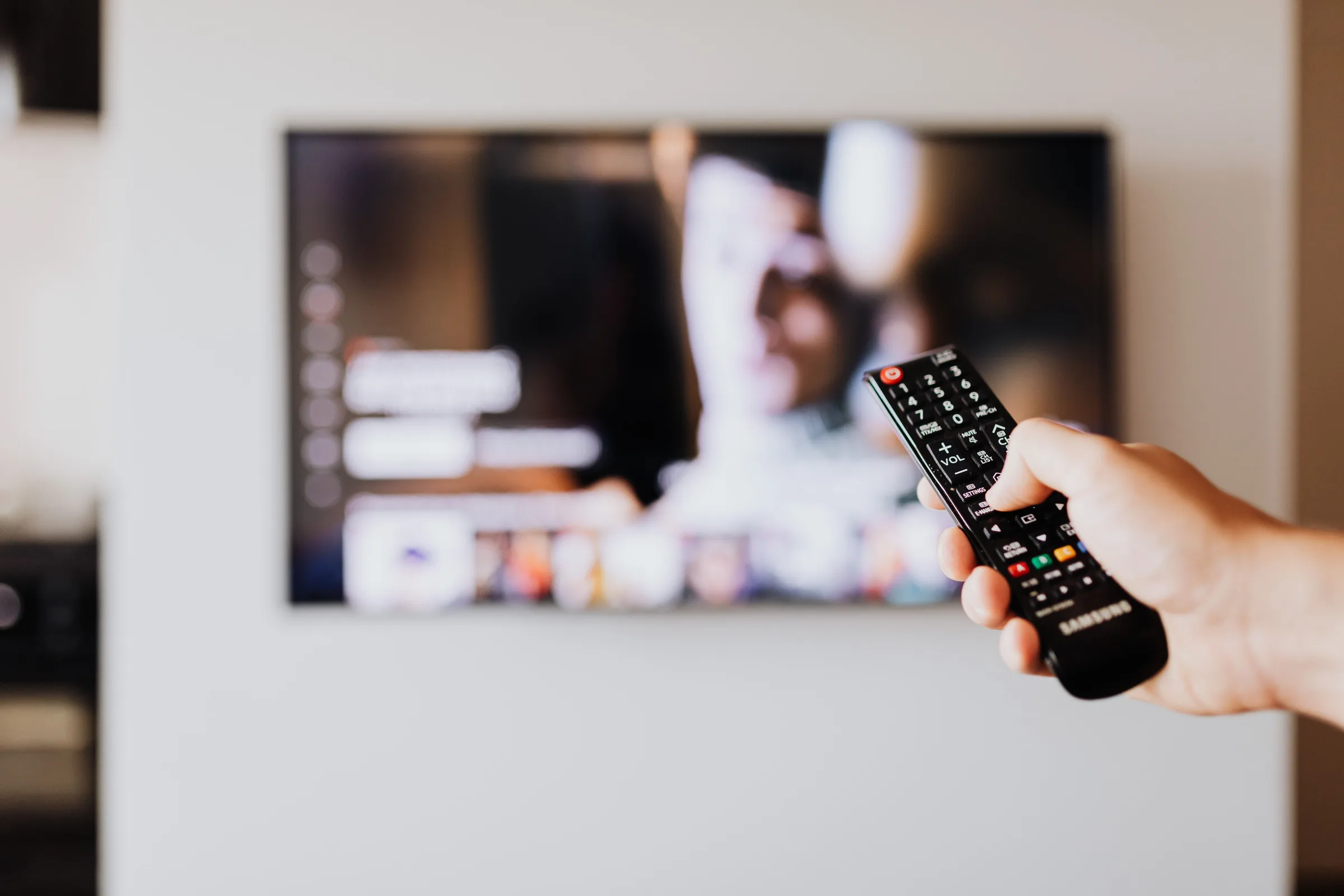
Most televisions leave the factory in "Dynamic" or "Vivid" mode: oversaturated, oversharpened, with motion smoothing. That stands out in the shop but tires at home. Ten minutes in the settings bring more than any surcharge at purchase.
Picture mode: Cinema or Filmmaker
Choose "Cinema", "Film" or "Filmmaker Mode". The picture looks warmer and darker at first – that is the colour temperature with which films are approved. After one evening nobody wants to go back. For sport in daylight, "Standard" mode is fine, but never "Dynamic".
Motion smoothing off
Depending on the brand, the function is called TruMotion, Motionflow, Auto Motion Plus or Perfect Natural Motion. It calculates intermediate frames and makes films look like a soap opera. Switch it off for films or set to the lowest level; for sport a light setting is acceptable.
Sharpness down
The "Sharpness" slider adds edges that are not in the material. For 4K material, set to zero or in the lower range; the picture becomes calmer and more detailed, not blurrier.
Noise reduction and contrast enhancer off
Noise reduction, dynamic contrast, black level enhancer: all off. They destroy detail in dark scenes and make faces look waxy. Exception: old recordings in low resolution, where slight noise reduction helps.
Match brightness to the room
OLED sets have a setting for panel brightness, LCD sets for the backlight. High during the day, lower in the evening. The ambient light sensor handles that automatically – on most sets it is switched off from the factory or part of the Eco mode, which often dims too aggressively.
Set HDR separately
Settings apply per signal type. Anyone who has set them for normal television has to check them again for HDR material: start an HDR film on Netflix and go through the points above. Console and Apple TV have their own profiles too.
Game mode
For consoles, activate game mode or switch on ALLM so the television lowers its latency. Anyone playing through a soundbar checks that the sound stays in sync.
What you should leave alone
White balance, gamma and colour space – anyone who adjusts these without a meter makes the picture worse. From the factory these values are usually close to the target in Cinema mode. Anyone who wants it exact has it calibrated: with a probe and software we set the device to the standard the films were made with. That pays off above all with OLED sets in dark rooms.
The source
A good picture starts before the television. Streaming apps inside the set are often more heavily compressed than an Apple TV box or a player; a network cable instead of WiFi prevents the quality dropping in the evening.
More articles
News
HDR, nits, VRR, eARC: television terms explained clearly
Manufacturers' data sheets read like a riddle. We translate the most important terms – and say which ones really count when buying.
Which TV size for which seating distance? The rules of thumb
The right screen diagonal depends on seating distance and resolution, not on the shelf in the shop. Rules of thumb, a table and the limit beyond which a projector makes more sense.
OLED, QLED or Mini-LED: which television for which room
The technology inside the television decides less than the room it hangs in. A decision aid by lighting conditions.