Network
Home network wiring: network sockets, switch and Wi-Fi in a single-family home
Good Wi-Fi starts with cables in the wall. How many network sockets a house needs, which cable makes sense, where the central point belongs and what is possible in an existing house without cutting into walls.
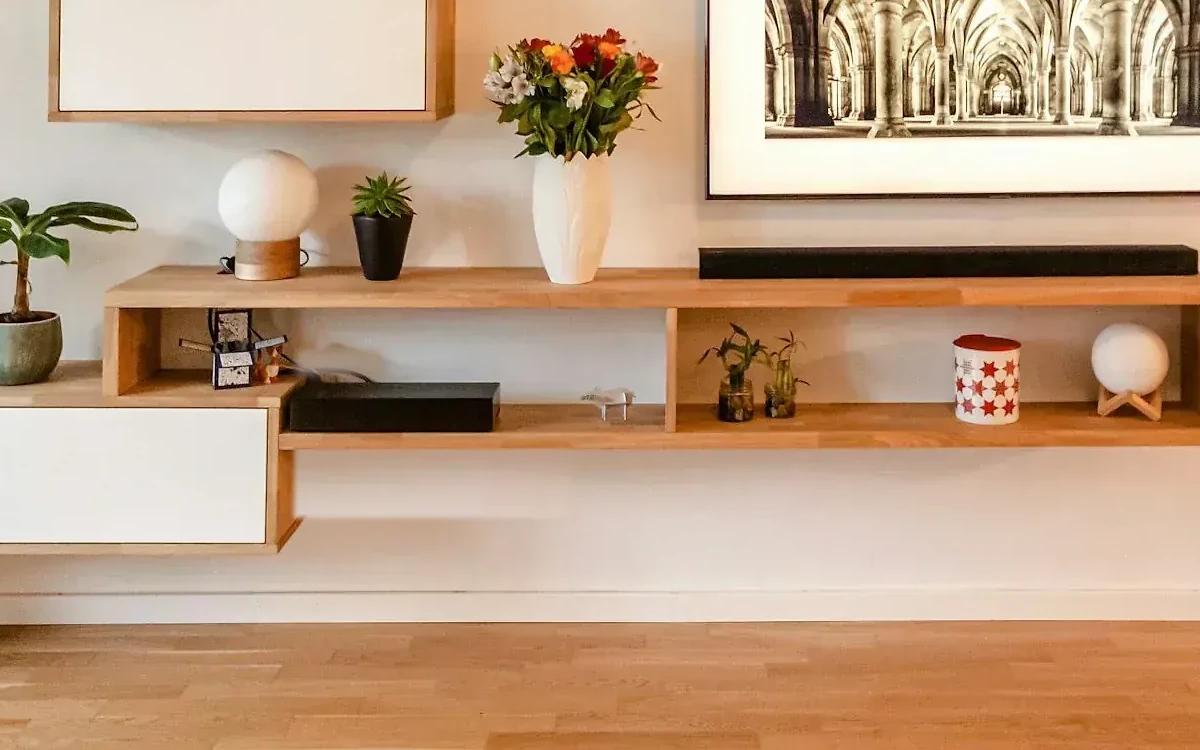
TV, home office, cameras, speakers, heat pump: almost everything in the house is on the network today. Wi-Fi alone reaches its limits here, especially across several floors and through concrete ceilings. The solution is unspectacular: cable for everything that stays put, and Wi-Fi for everything that moves.
Why cable at all?
A network cable always delivers the same speed, no matter how many devices are transmitting at the moment and what the neighbours are doing. Every device on a cable also takes load off the Wi-Fi. And the Wi-Fi transmitters, the access points, need a cable themselves so that they deliver full performance on every floor. Why a repeater is no substitute is explained in the article WiFi that reaches everywhere.
How is a house wired properly?
In a star layout. From every network socket, a separate cable runs to a central point, usually in the utility room or basement. There all the cables end on a patch panel and are connected to a switch. Next to it sit the router and, if there is one, the smart home hub.
For the central point:
- enough space and several power sockets,
- dry and not too warm,
- a cable from the house connection to it. In many houses the fibre socket is in the living room, but the router belongs in the central point.
Which cable is the right one?
For new builds and renovations we recommend Category 6A cables and sockets. They allow 10 gigabits per second over the lengths usual in a house, and that will do for many years. A run may be at most 90 metres long up to the socket, which is practically never reached in a single-family home.
More important than the category on the box is the workmanship: every run is tested and labelled after it has been connected. A test report shows that the line achieves the promised speed.
How many network sockets does a house need?
Better one too many. A conduit and a socket cost little during construction, while retrofitting takes a lot of effort. As a guide:
- Living room: three to four ports behind the TV for TV, streaming box, console and sound system.
- Office: two to four ports at the desk.
- Every room: at least one double socket.
- Ceiling or upper wall: one port per floor for the access point, in a central spot.
- Outside and entrance: ports for cameras, door intercom and an access point on the terrace.
- Garage and utility room: ports for charging station, heat pump and inverter.
What is PoE?
Power over Ethernet means the network cable also supplies the power. Access points, cameras and door intercoms then don't need a power socket nearby. The switch in the central point supplies them. That saves installation work and lets you put the devices where they work best, for example on the ceiling.
What is possible in an existing house?
A lot is possible even without cutting into walls:
- Use existing conduits from telephone and television. A network cable can often be pulled through them.
- Risers, disused chimneys and skirting boards as a cable route between floors.
- Where a cable really can't get to: access points that connect wirelessly. It works, but depending on the system it costs part of the performance.
It's best to plan the cabling together with other work: when painting is being done, the floor is being replaced or the electrical installation is being renewed, the effort is lowest.
The most common mistakes
- Too few sockets behind the TV.
- No port on the ceiling for the access point.
- The router stays in the living room by the fibre socket instead of in the central point.
- No labelling, no test report.
- Smart home, cameras and guests on the same network as the computer with the banking data.
Conclusion
A home network is infrastructure like water and electricity: you don't see it, but everything depends on it. If you wire in a star layout, plan the central point carefully and put the access points on cable, you'll have peace of mind for many years.
More on this: network and Wi-Fi and smart home control.

In person
Philip Fiumi
Managing Director
Questions about Network?
Write or call. We’ll advise you with no obligation and get back to you within one working day.
More articles
News
Security camera on your house: what is allowed in Switzerland
A camera on your own house doesn't need a permit, but it may film neither the pavement nor the garden next door. The key rules on field of view, warning sign, storage period and sound, plus tips on the technology.
Charging an electric car with solar power: wallbox, surplus and smart home
At midday your own photovoltaic system supplies more power than the house needs. How surplus charging works, why it needs a minimum output and how car, heat pump and water heater share the solar power.
From X10 to Matter: where the smart home comes from
The idea of a house that thinks along is fifty years old. A short history of home automation, from a Scottish plug socket to a common standard.