Practice
Setting up print data correctly: CMYK, bleed, resolution
Most delays in printing arise in the file, not at the machine. Seven points from colour space to PDF/X that make your data truly print-ready.
When a production stalls, it is rarely the machine. It is a file in RGB, missing bleed or a font nobody but the sender has. These points can be checked in a few minutes.
CMYK or RGB: why colour space comes first
Screens glow in red, green and blue; presses mix cyan, magenta, yellow and black. RGB can show colours that do not exist in print – luminous orange, saturated violet, acid green.
So set up the document in CMYK and use a suitable ICC profile: for coated papers PSO Coated v3, for uncoated PSO Uncoated v3 or the provider's specification. For large format on film and banner we work with our own profiles per material, because the same blue looks different on paper and on mesh.
Pantone and RAL: when the corporate colour has to be right
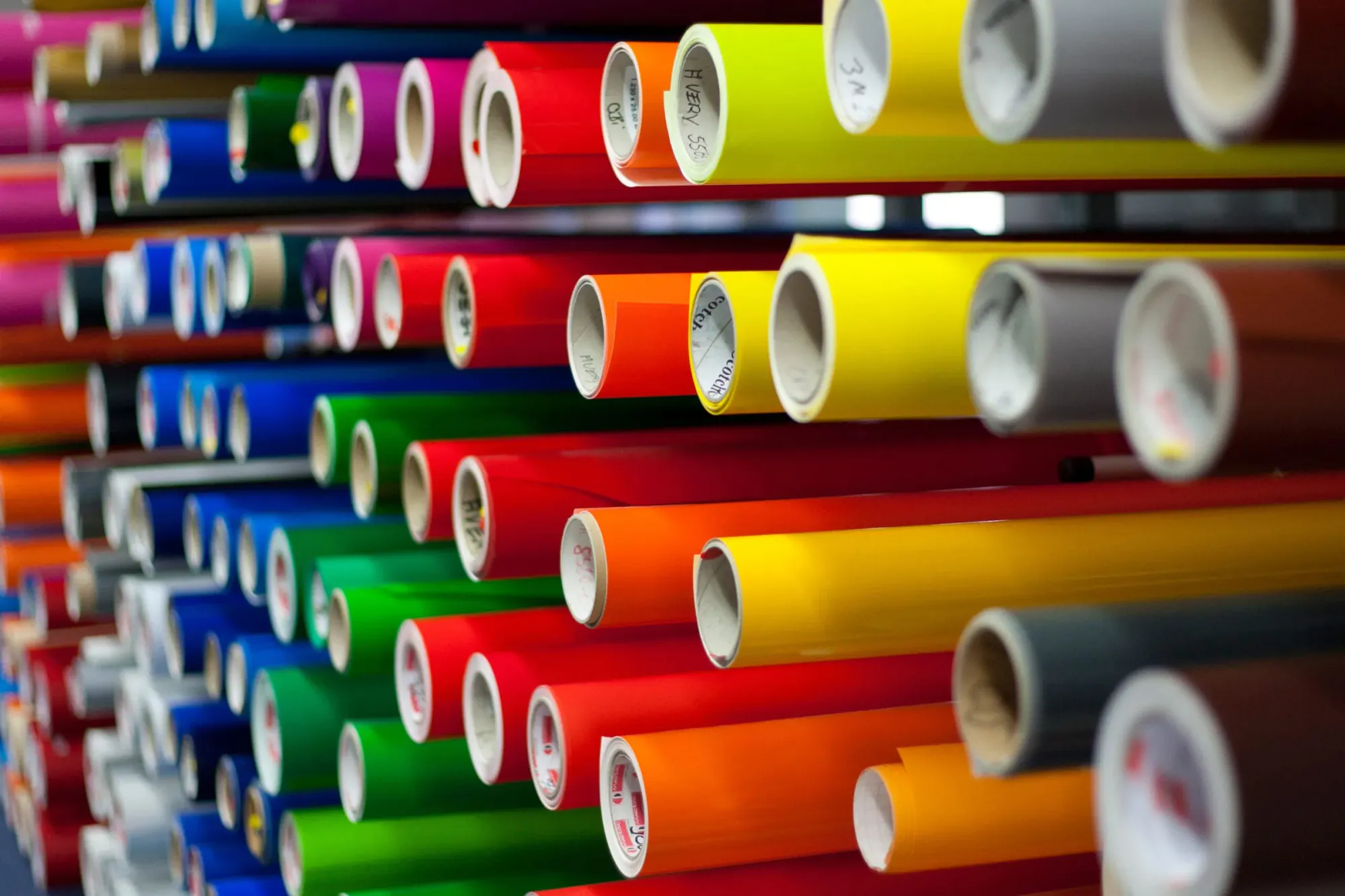
Define corporate colours preferably as spot colours. Pantone is the reference for print, RAL for paints and for coloured films in signage. The translation matters: a Pantone colour can only be approximated in CMYK, and a cut film only exists in the manufacturer's available shades. For corporate identities we define which film shade, which RAL value and which CMYK combination belong together – after that, sign, vehicle and printed matter match each other.
Bleed, safety margin, trapping
- Bleed: three millimetres all round for printed matter, five to twenty millimetres for large format depending on finishing.
- Safety margin: text and important elements at least five millimetres from the edge, considerably more for banners with hem and eyelets.
- For tensioned systems, keder frames and roll-ups an additional allowance is needed that later disappears into the profile.
- For multi-part surfaces we plan the joins deliberately instead of leaving them to chance.
Resolution by viewing distance
The question of dpi has no single answer – it depends on the distance from which it is read. As a guide at final size: flyer, brochure, business card 300 dpi; F4 poster you walk past 150 dpi; exhibition wall and roll-up 100 to 150 dpi; large poster and façade banner from ten to thirty metres 25 to 50 dpi. An image at 300 dpi across twenty square metres brings no better result, only a file nobody can process any more.
Fonts, transparencies and PDF/X
Convert fonts to outlines or embed them completely. Fonts that are not embedded get substituted on opening, and that often only shows on the printed sheet. Flatten transparencies and effects before handover; invisible layers and guides should be deleted. For cut contours on films and contour cutting, create a separate spot colour channel and name it unambiguously, for instance CutContour.
Hand over the file as PDF/X-4. This standard requires embedded fonts, defines the output colour space, keeps transparencies clean and excludes what causes problems in print. Avoid files from word processors and presentation software as print masters – they bring RGB images, missing bleed and substituted fonts.
The most common mistakes in practice
Images from the web at 72 dpi that are not enough at final size. Black as pure K100 on large areas, where a rich black with added cyan looks better. Hairlines under 0.25 point that disappear in digital printing.
Conclusion
A checked file saves time on both sides. Send us your data early – we check colour space, resolution, bleed and fonts and get back to you with concrete notes before production starts.
More articles
News

Solar window film: when it pays off and when it doesn’t
Too hot in the office, faded furniture, glare on the screen: a solar window film often fixes it in a day. What it does, where its limits are and what we check before fitting.
Latex, UV or eco-solvent: which printing technology for what
Three technologies share large-format printing. The difference is not in the picture but in smell, durability and material.

Sign permits: what applies before façade lettering
In Switzerland almost every façade sign needs a permit from the municipality. Anyone who knows the procedure, documents and deadlines does not lose months over it.