TV sound
Dialogue unintelligible, explosions too loud: setting up television sound properly
Why you cannot understand the voices in films, how to get lips and sound back in sync, and which settings on television and soundbar save the evening.
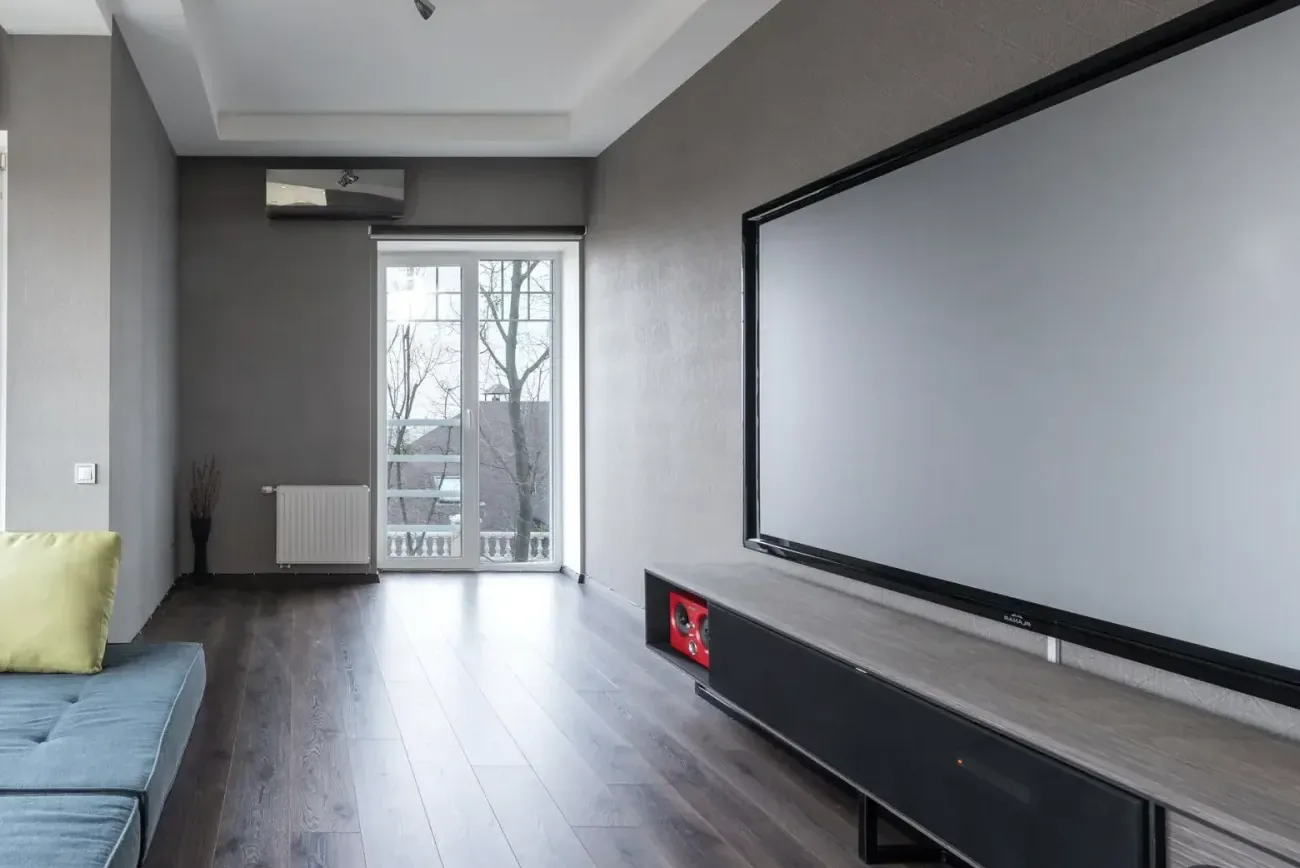
The most common complaint in our consultations is not the sound but the intelligibility: voices get lost, music and effects are too loud, and at night the action film wakes the children. That is rarely down to hearing, but to the mix, the device and the settings.
Why dialogue gets lost
Films are mixed for cinemas, with a dedicated speaker for voices in the centre of the picture. A television with two small speakers firing downwards or backwards has to play everything from the same opening – voices compete with music and effects. Streaming services compress on top of that, and modern mixes are more dynamic than they used to be: whisper quiet, explosion loud.
First aid on the television
- Choose the sound mode "Clear" or "Speech", not "Cinema" or "Surround".
- Switch on functions such as dialogue enhancement, speech intelligibility or "Clear Voice".
- Activate night mode or dynamic range compression: it raises the quiet and lowers the loud.
- Do not lock the television's speakers into a cabinet compartment; the sound needs a path to the sofa.
The real step: a centre channel
Every soundbar and every system has a speaker responsible only for voices. That alone usually solves the problem. On soundbars the centre channel can be raised in the app ("Speech Enhancement" at Sonos, "Voice" at Samsung and Sony), on systems at the receiver. If you have an older system: the centre speaker belongs at ear height, not in the compartment under the television.
Lips and sound
If the sound lags behind the picture, it is down to processing in the television, to Bluetooth or to a chain of box, television and soundbar. Remedy: connect the source directly to the soundbar or receiver, adjust the delay (lip sync) in the soundbar or television, avoid Bluetooth for television sound and use game mode when gaming, which shortens the processing.
eARC and the sound formats
If the soundbar is connected via eARC, the television has to pass the sound through: in the settings, set "Digital output" to "Passthrough" or "Auto", not to PCM, otherwise surround sound and Atmos are lost. Switch on HDMI-CEC so that the television's remote controls the soundbar's volume.
At night
The night modes of good soundbars are excellent: they keep voices present and take the edge off explosions. For households with thin walls or sleeping children that matters more than any speaker size. Alternatively wireless headphones with a base, for one viewer or two.
Hearing in later life
With the years, hearing declines first in the treble, where the consonants sit. Dialogue enhancement, a centre channel at ear height and less reverberation in the room help more than volume. Anyone who wears a hearing aid can stream the sound straight into it; we set that up.
The test
A film you know, in night mode, with dialogue enhancement: if you no longer have to adjust the volume, the system is set up correctly. If you do, come to us with the film.
More articles
News
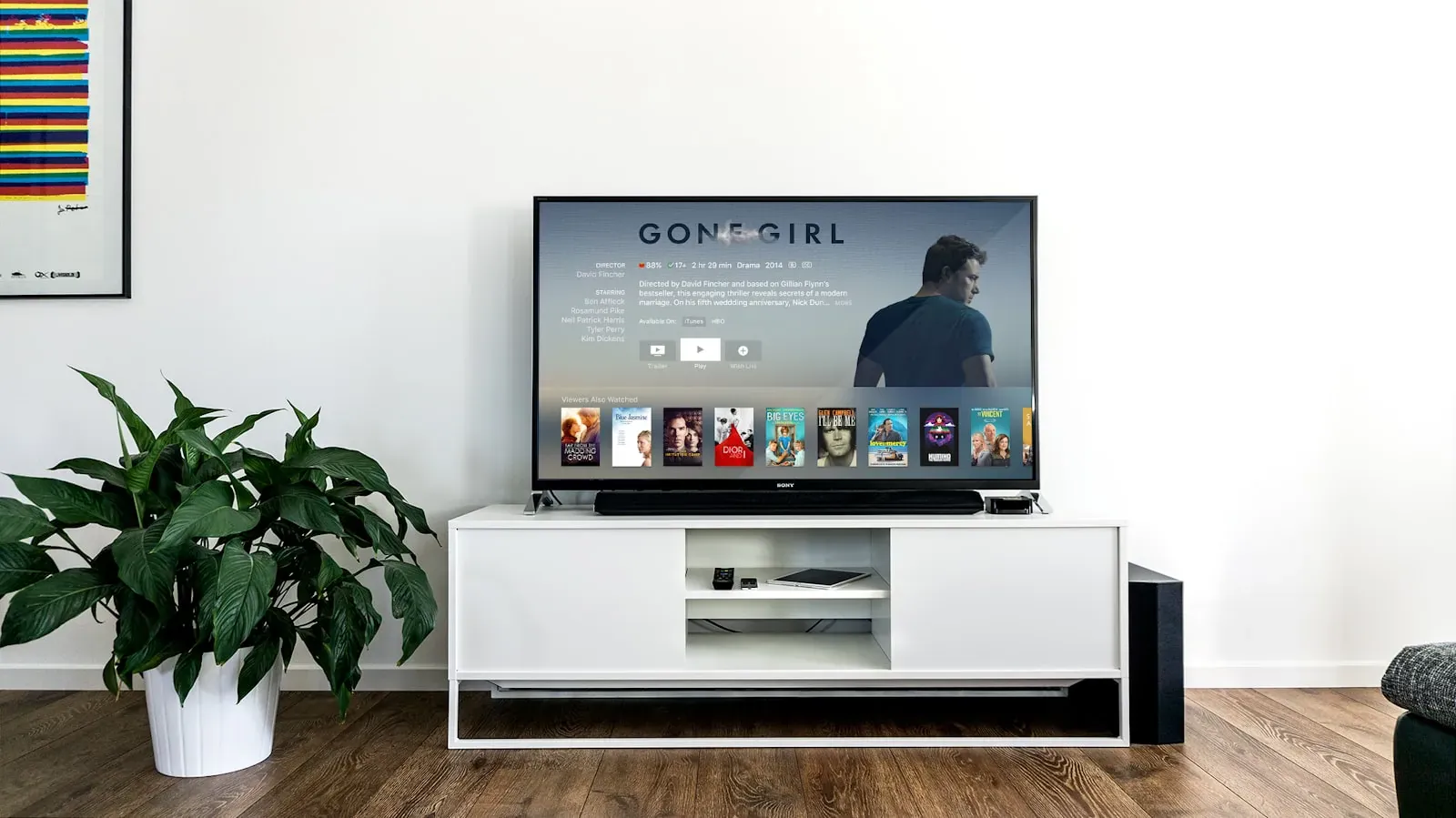
Soundbar or system: what the living room really needs
A soundbar is connected in ten minutes; a system with amplifier and speakers sounds better. When which solution fits – and what lies in between.

Music streaming in hi-fi quality: what you really hear
Spotify, Apple Music, Tidal, Qobuz or Amazon – the services advertise lossless and Hi-Res. What lies behind the formats, where the difference becomes audible and which route brings the music cleanly to the speaker.
Atmos, eARC, codecs, watts: sound terms explained plainly
The audio world loves abbreviations. We explain the terms that come up most often in consultations – and which of them actually count when buying.